PDF as it should have been all along.

Huge files open at once, every page follows your light or dark theme, scans become text, and your documents stay on your computer. No ads, ever. No tracking, no nagging.

AntiPDF reads and writes, free: mark up, change text and pictures on the page, fill in forms and put pages in order, with no paid upgrade needed for any of it. Pro adds redaction, signatures and sharing.

Microsoft Store

For Windows 10 and 11 · Read and write · Ad-free · In the Microsoft Store

AntiPDF for Linux · Arch, CachyOS, Ubuntu, Debian

Choosing for a team? The Business leaflet (PDF, 3 pages) is made to hand to whoever decides, or read it here.
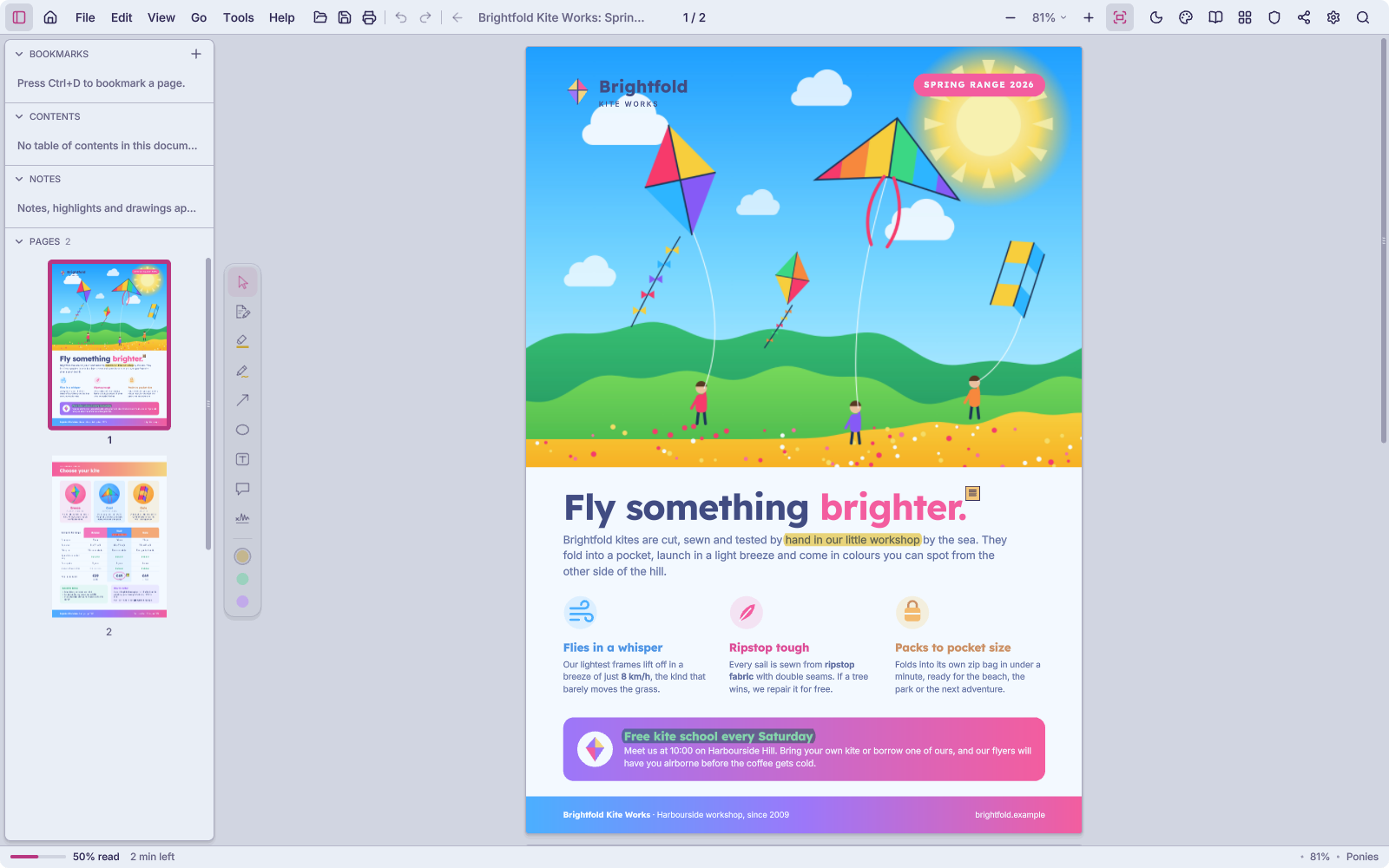
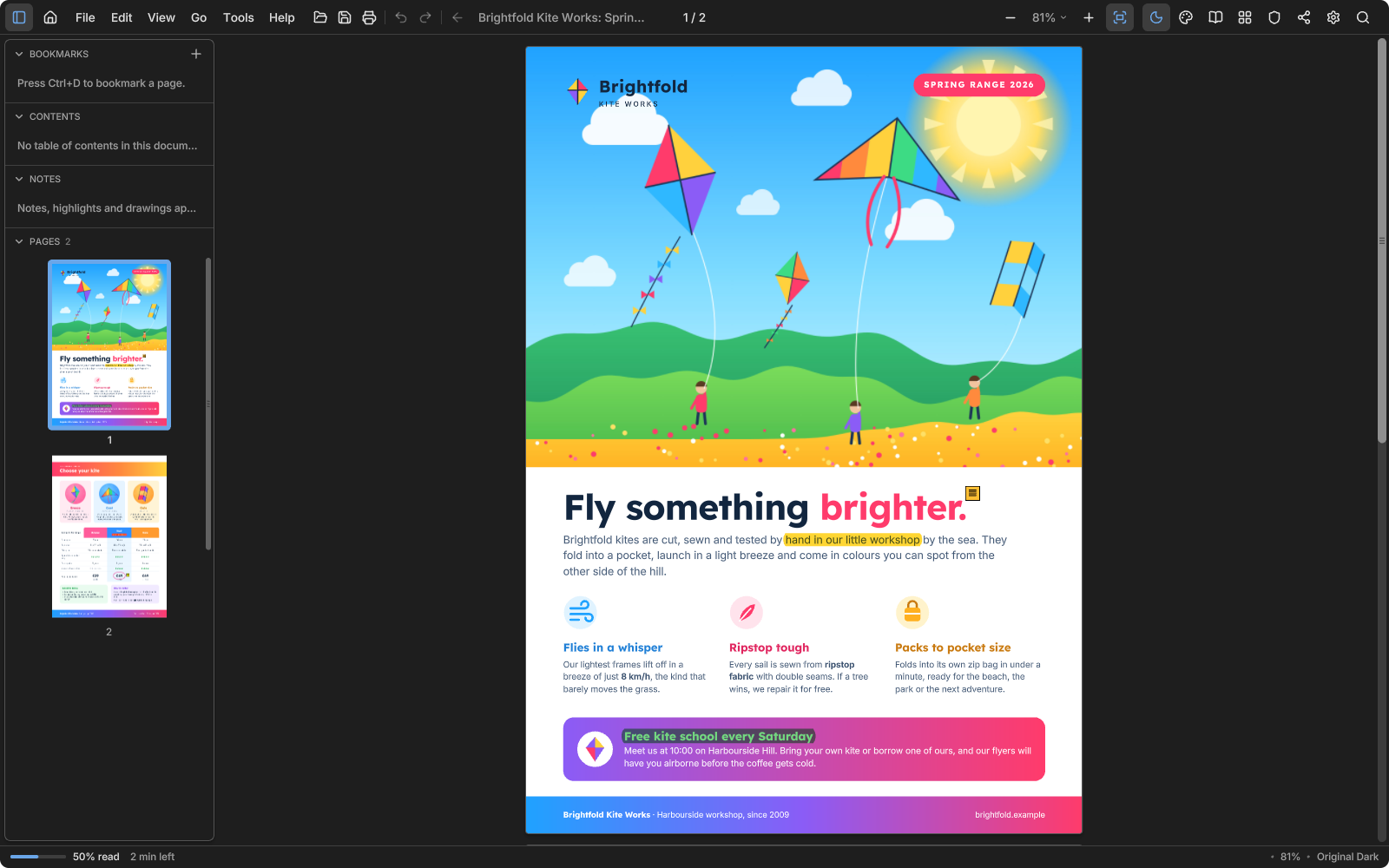
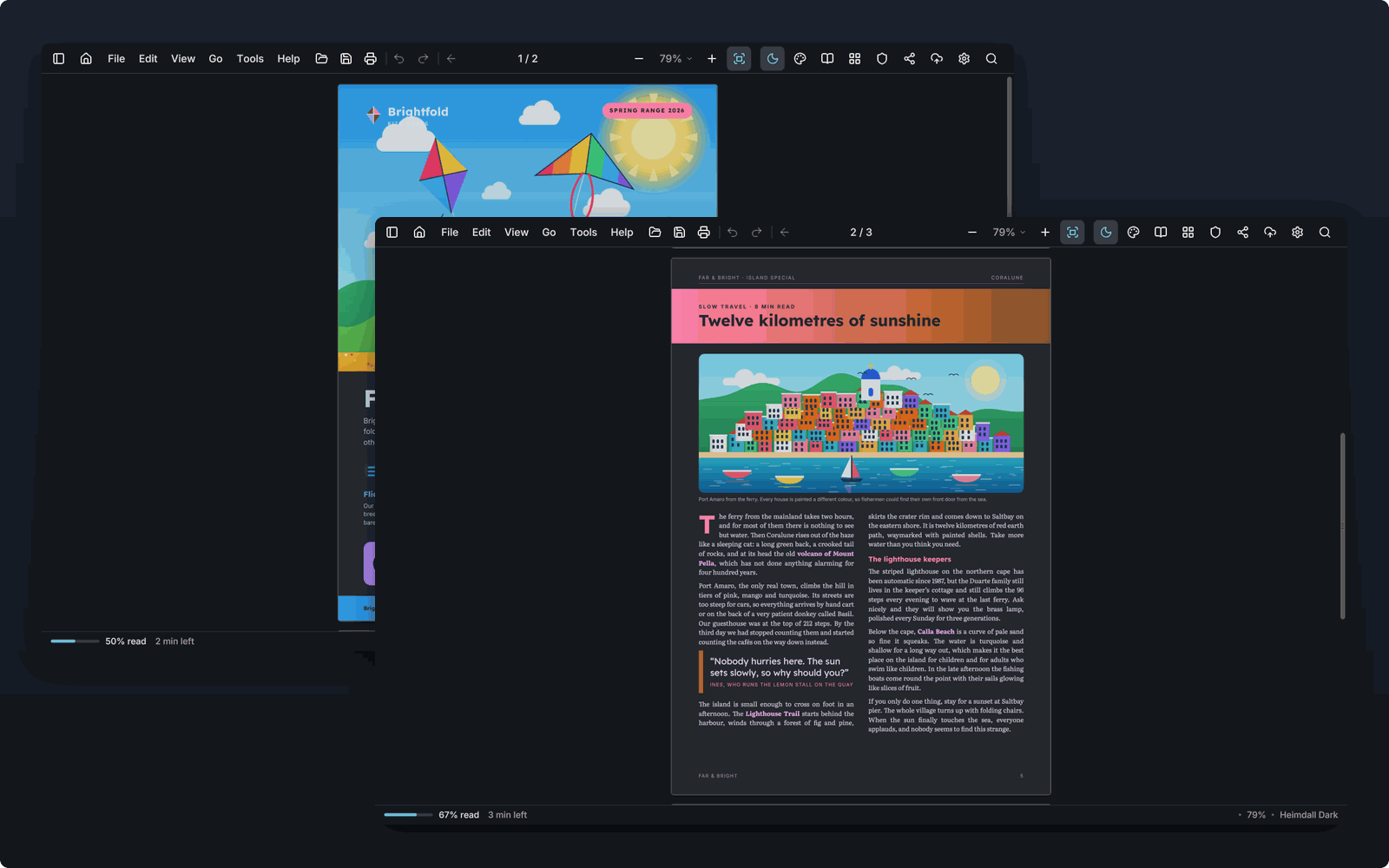
AntiPDF in its Ponies theme: a bright kite-shop brochure with two passages highlighted in yellow and green and a note beside the headline; the pages are listed in the side panel. The same brochure in the Original Dark theme: the interface is dark and the page keeps its own colors, with the same highlights and note.
Highlights and a note on a kite-shop brochure (Ponies theme; Original Dark when your device is dark). Every picture on this page is the program itself, with sample documents we made for it.
Runs onWindows 10 and 11
Draws withVulkan on your graphics card, or the processor when there is none
Your filesStay on this computer
PriceFree to read, Pro for security tools
Speed

Big files, no waiting

AntiPDF maps a file instead of reading it whole, and builds each page only when it comes into view. Slow work runs on threads of its own, so the page keeps scrolling smoothly while files open, scans are read and copies are saved.

6 msto open a 10 GB PDF in our tests
144 fpsscrolling that file, the screen's full rate
1,000,000pages in one file, read in 0.27 s in our tests
Reading

Find any word, then keep reading where you stopped

Search runs through the whole document as you type and marks every match. AntiPDF remembers your place in every document and tells you how long the rest will take.
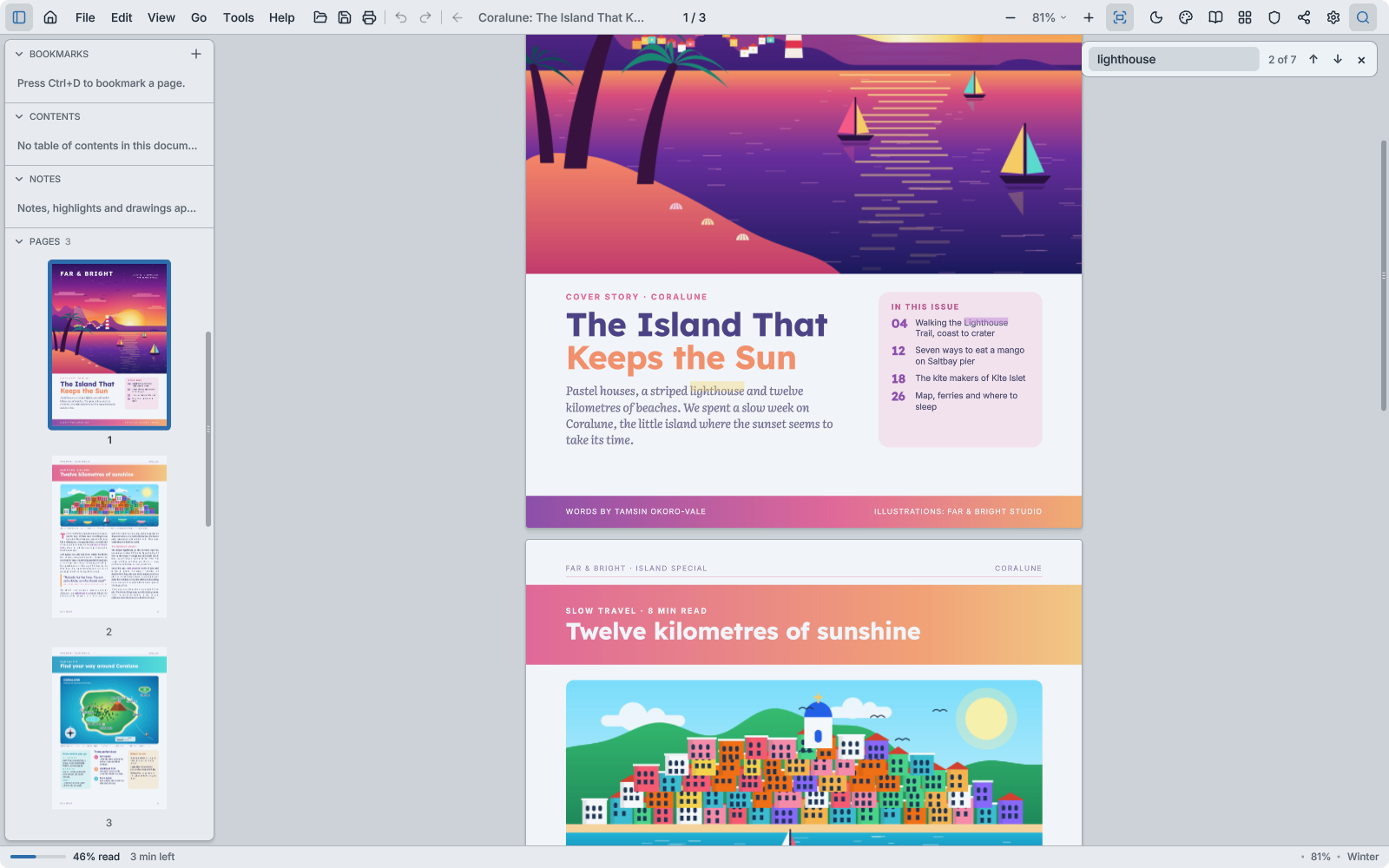
An island travel magazine in the light Winter theme, searched for the word lighthouse: every match is marked on the page, the search box says 2 of 7, and the side panel shows the pages as thumbnails.
The reading view in the Catppuccin Latte theme: the magazine's article set as one calm column of text.

Reading view

F9 pours the text into one calm column in the font you like. It rewraps as you zoom.
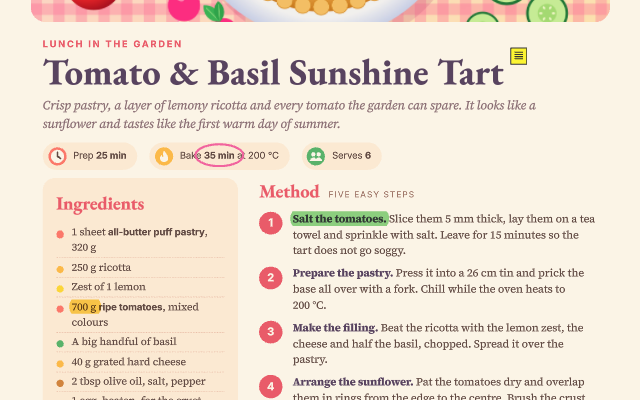
A recipe in the Summer theme with highlighted steps, a ringed baking time and a note.

Mark it up as on paper

Highlights, pen, arrows, rings, notes and signatures, saved into the PDF for every reader.
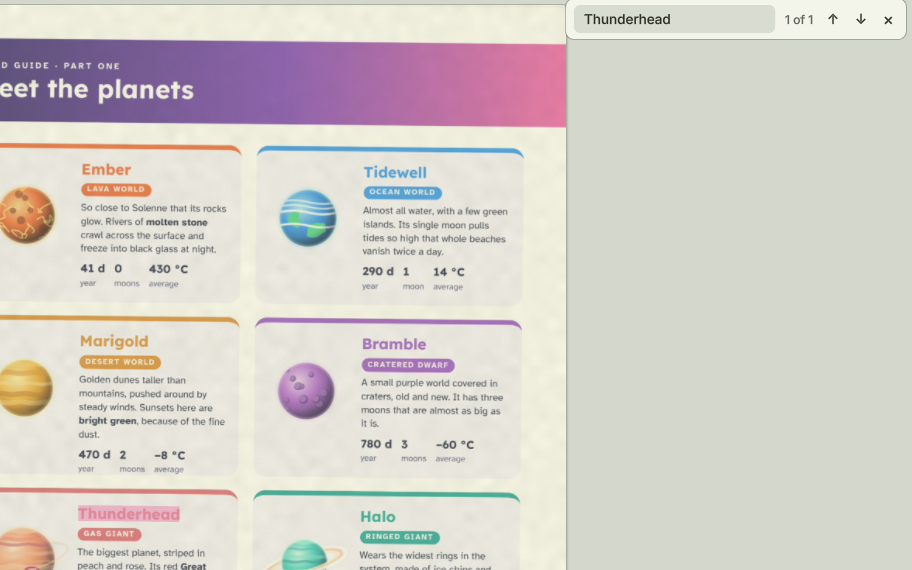
A scanned page of planet cards in the Spring theme, with the word Thunderhead found on the scan.

Scans become text

Text recognition on your own computer makes scanned pages searchable and copyable.

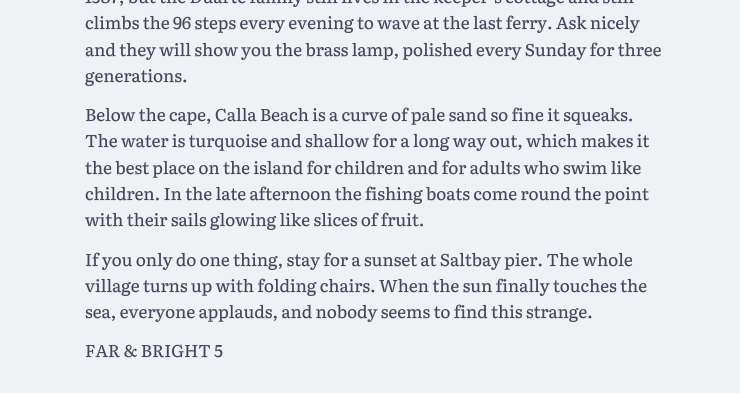
Body text of the travel article seen close at 175 %: crisp letters with smooth edges, a pink drop cap.

Sharp at every size

Text is drawn on your graphics card from distance fields, so letters stay crisp and smooth however far you zoom, on any screen.

From paper to PDF

The Scan window takes pages from a scanner, webcam or phone, straightens them, evens the light, reads them and names the file from what they say.

Pages in order

Drag pages to reorder, rotate, duplicate or delete, insert pages from another PDF and extract some into a file of their own. Nothing changes until you save.

Edit the page itself

Change a line of text where it stands or replace a picture, without leaving the reader. Fill in forms and save them.

Print your way

Booklets, several pages to a sheet, two-sided, and black ink that saves toner while keeping faint lines.

More for everyday work

Several documents, long projects, files that must be right

The tools below are in AntiPDF 1.1.5, which reaches the Microsoft Store within a few days of this page. Each works on your computer; none needs an account.
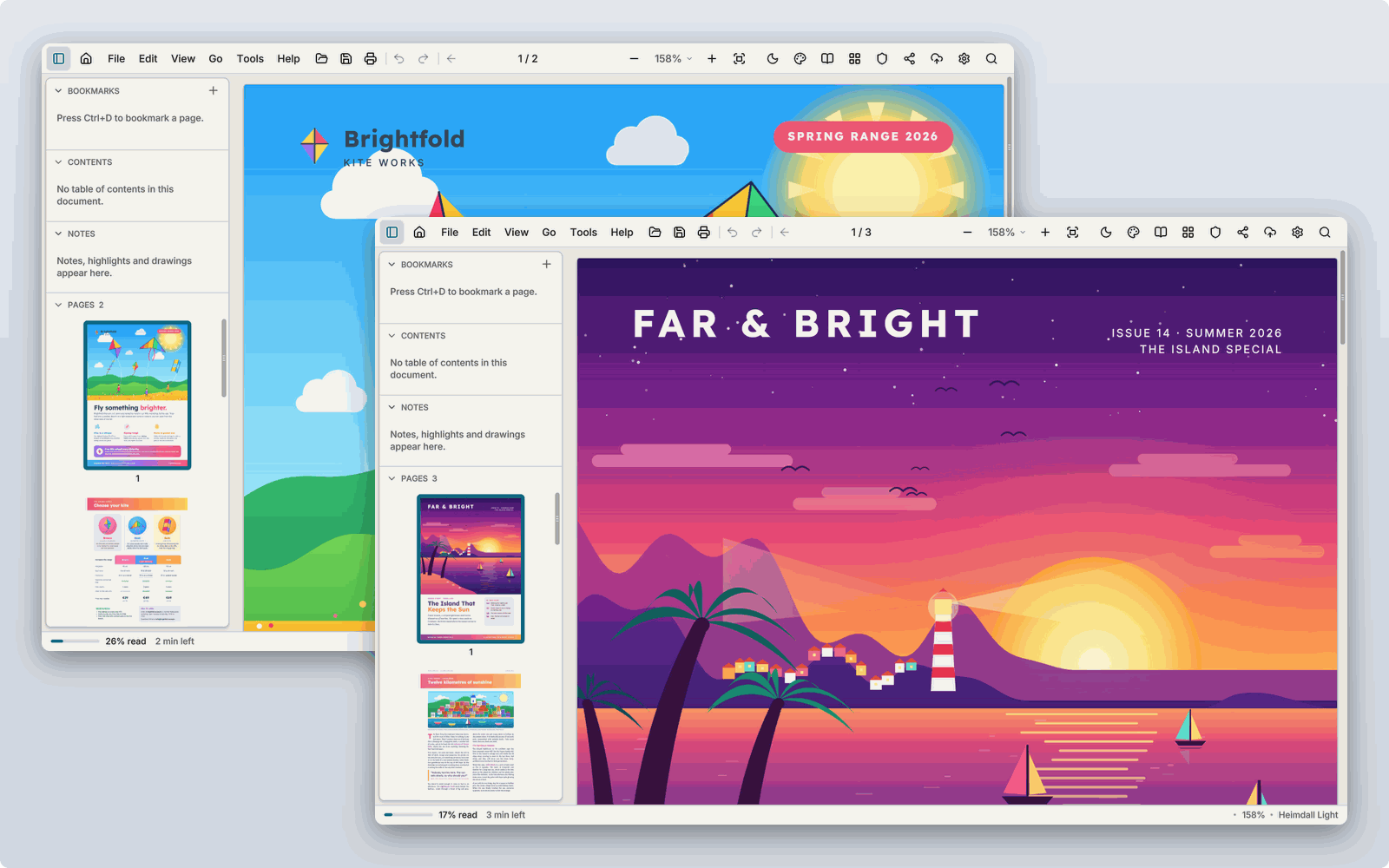
Two AntiPDF windows overlapping on a desktop, each with its own document.Two AntiPDF windows overlapping on a desktop, each with its own document.

Several windows and tear-off tabs

Drag a tab out and it becomes a window of its own, drag it back to rejoin. Link the scrolling of two windows to compare two documents.
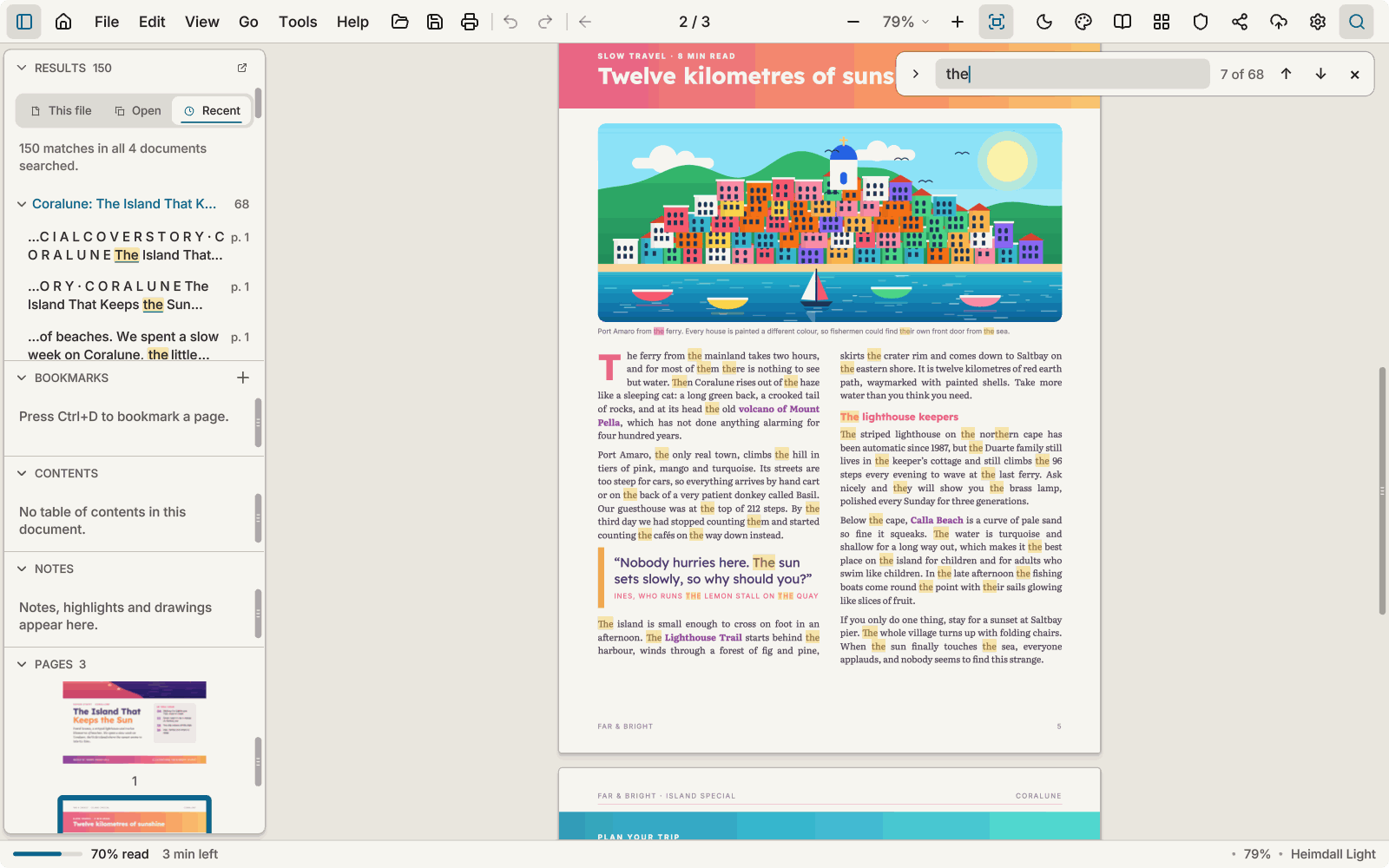
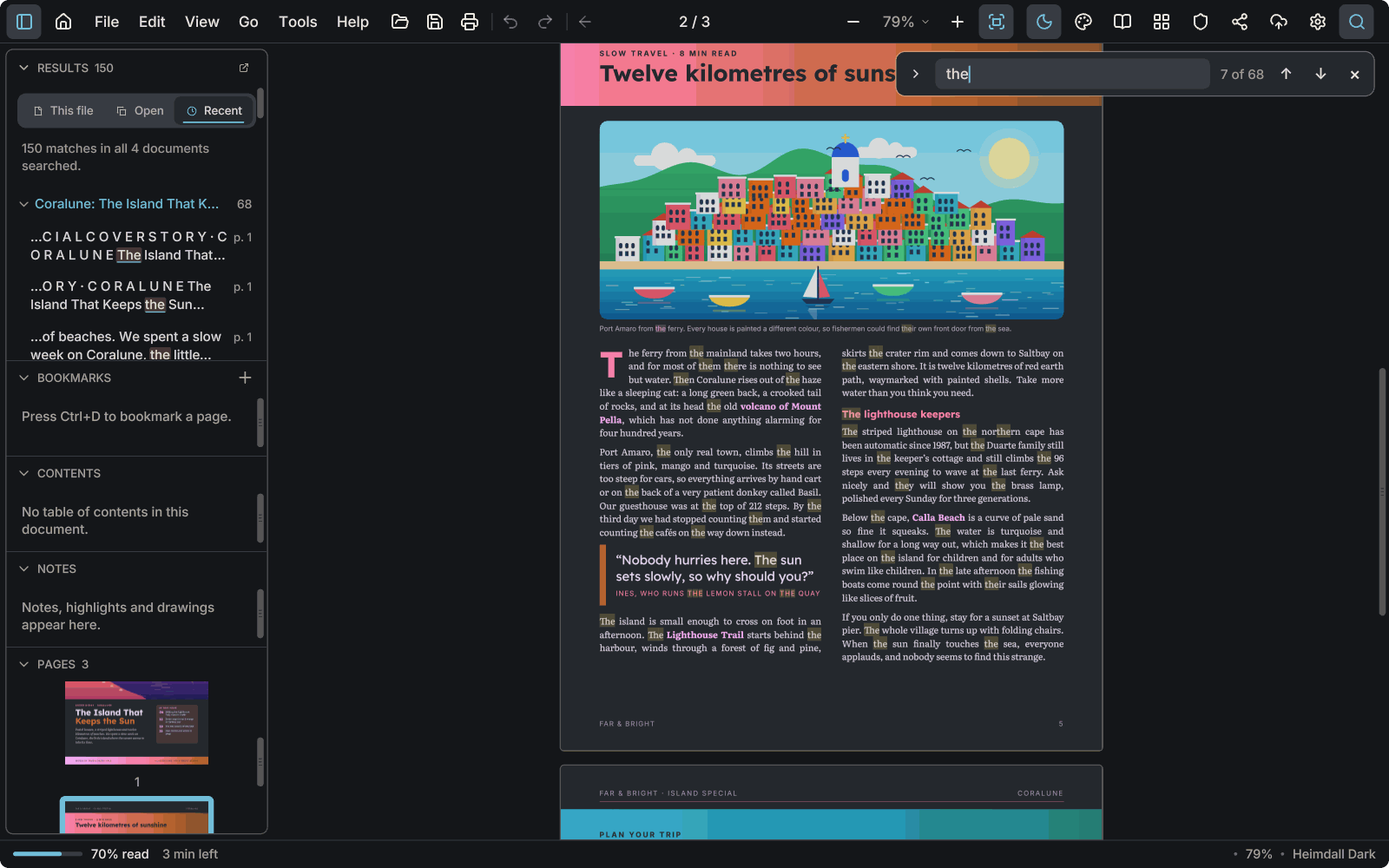
A search for a word: the left panel lists 150 matches across four documents, marked on the page.A search for a word: the left panel lists 150 matches across four documents, marked on the page.

Search across documents

Search every document you have open or opened lately. The results list the words around each match, and can sit in a window of their own.

A library and your reading

Home keeps your documents in collections, with reading statistics. They are kept on this computer.

Fill a form from a source document

Open a source document beside a form and take the answers from it, field by field.

A reference beside your own

Keep a reference document beside the one you are writing, with notes of your own beside it.
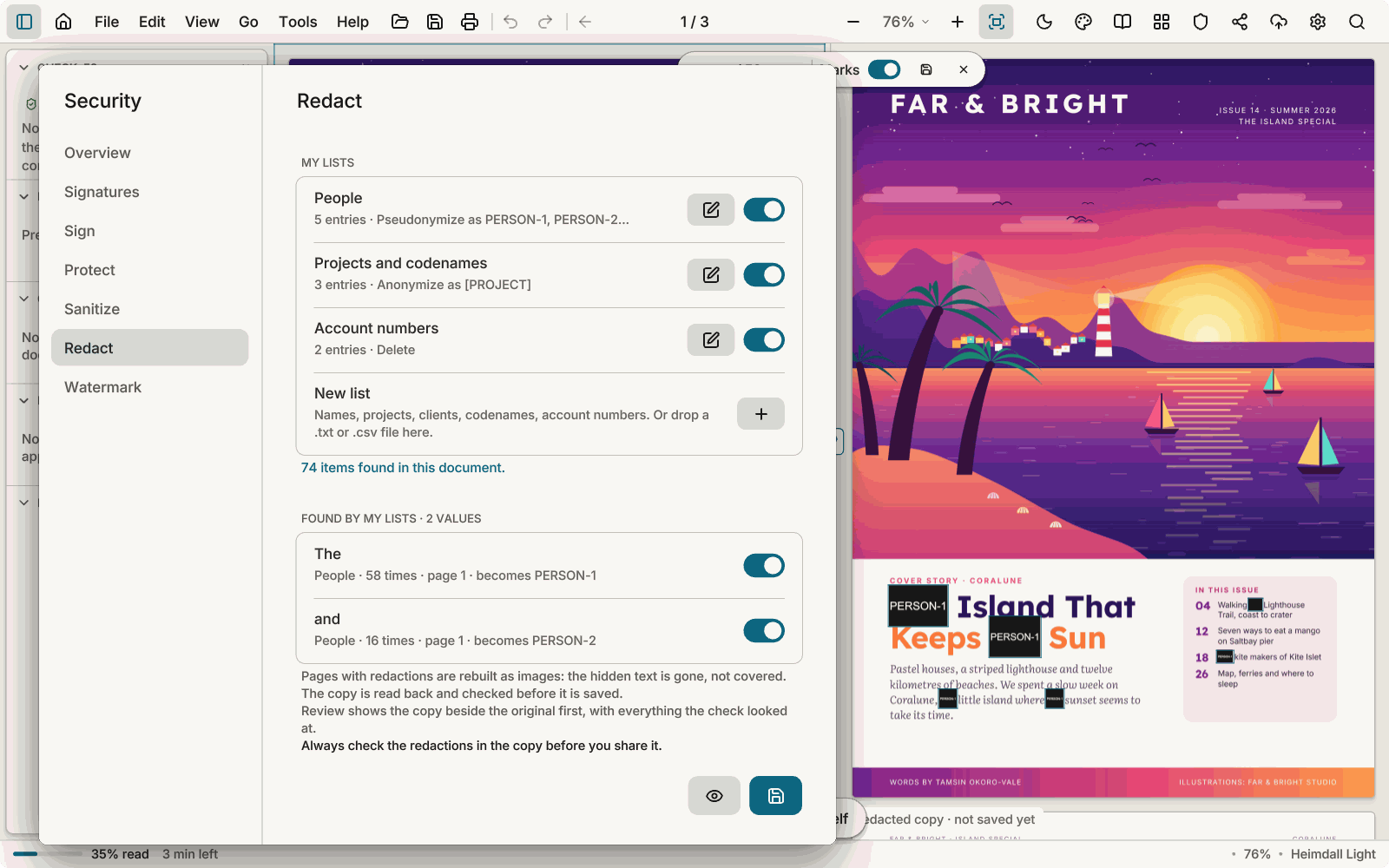
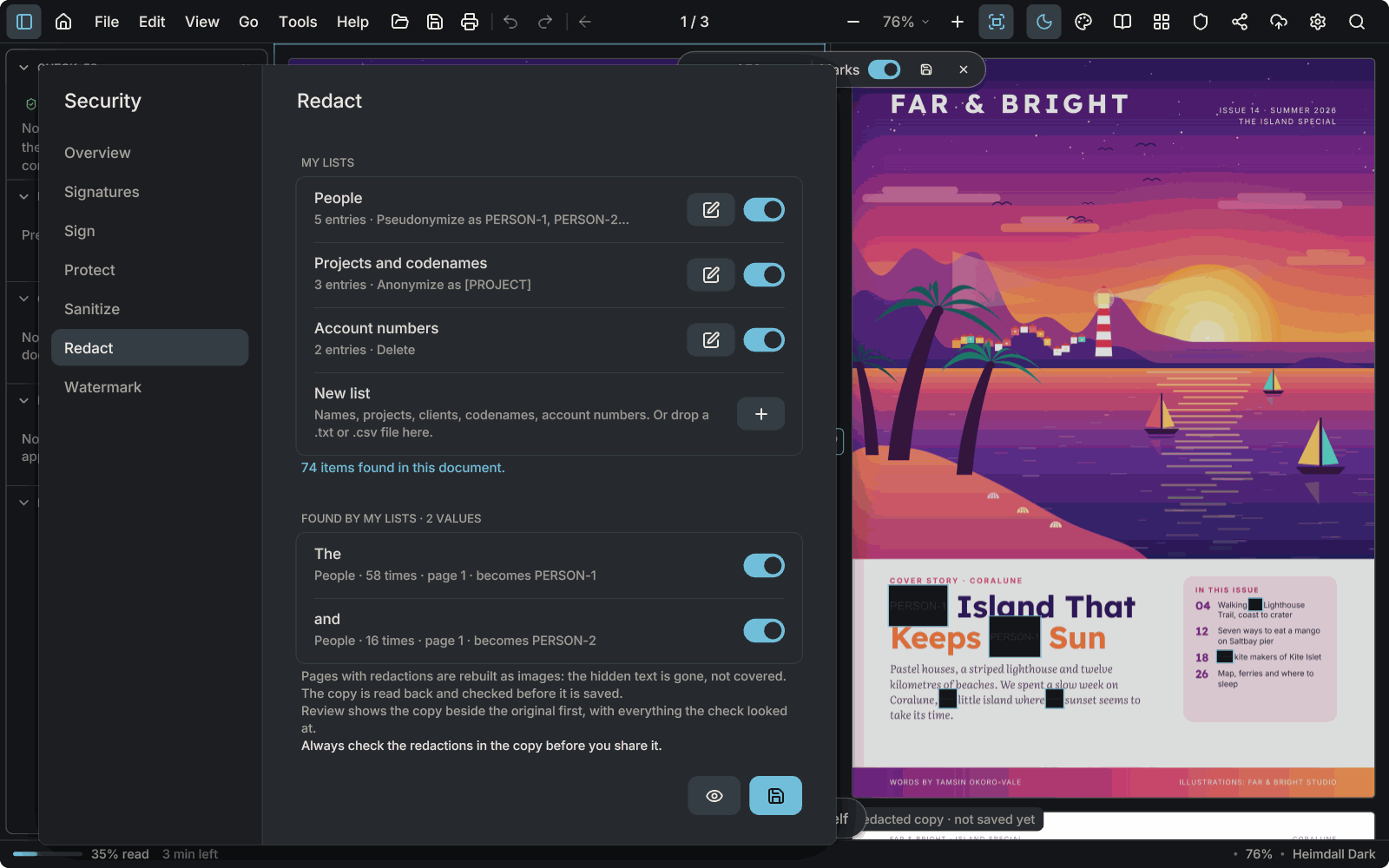
The Redact tab with lists of words to replace, beside the redacted copy where the found words are painted out.The Redact tab with lists of words to replace, beside the redacted copy where the found words are painted out.

Redaction with a check

Keep lists of words to black out and apply them over a whole document. AntiPDF then checks the copy it wrote. Always look through the redactions yourself too.
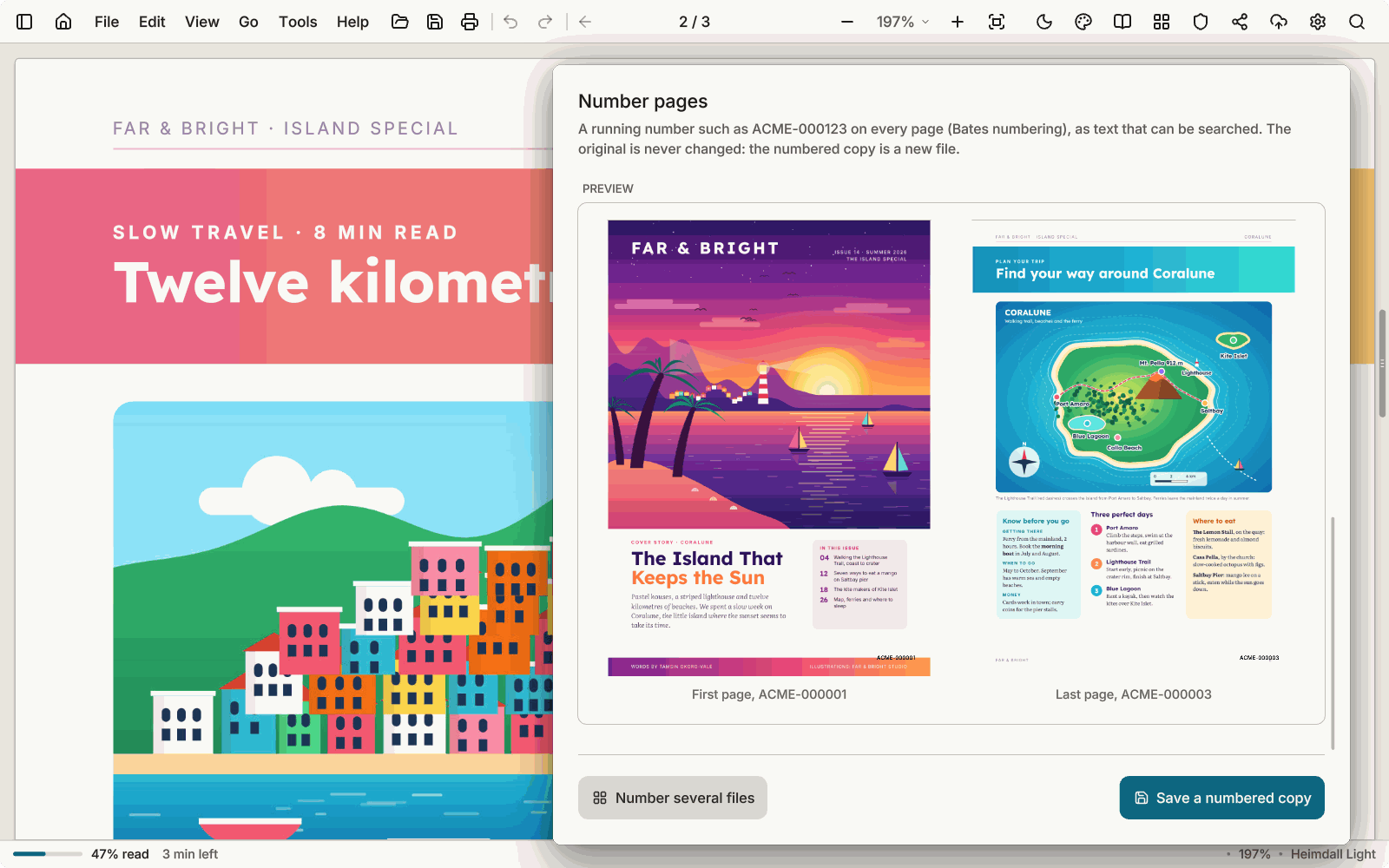
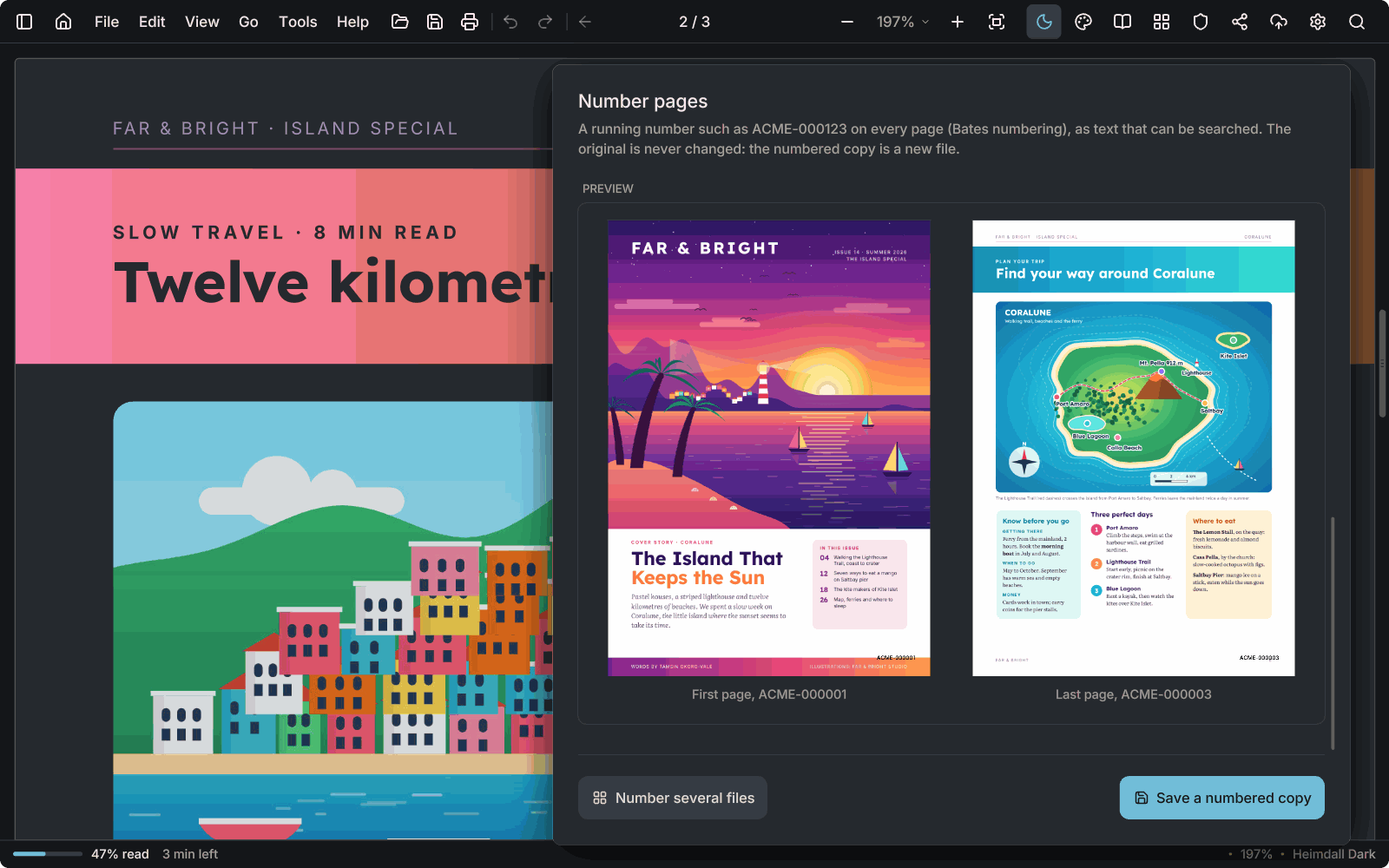
The Number pages window over a travel magazine, with a preview of the first and last page, numbered ACME-000001 and ACME-000003.The Number pages window over a travel magazine, with a preview of the first and last page, numbered ACME-000001 and ACME-000003.

Bates numbering

A running number such as ACME-000123 on every page, as text that can be searched; in a batch it continues from file to file.
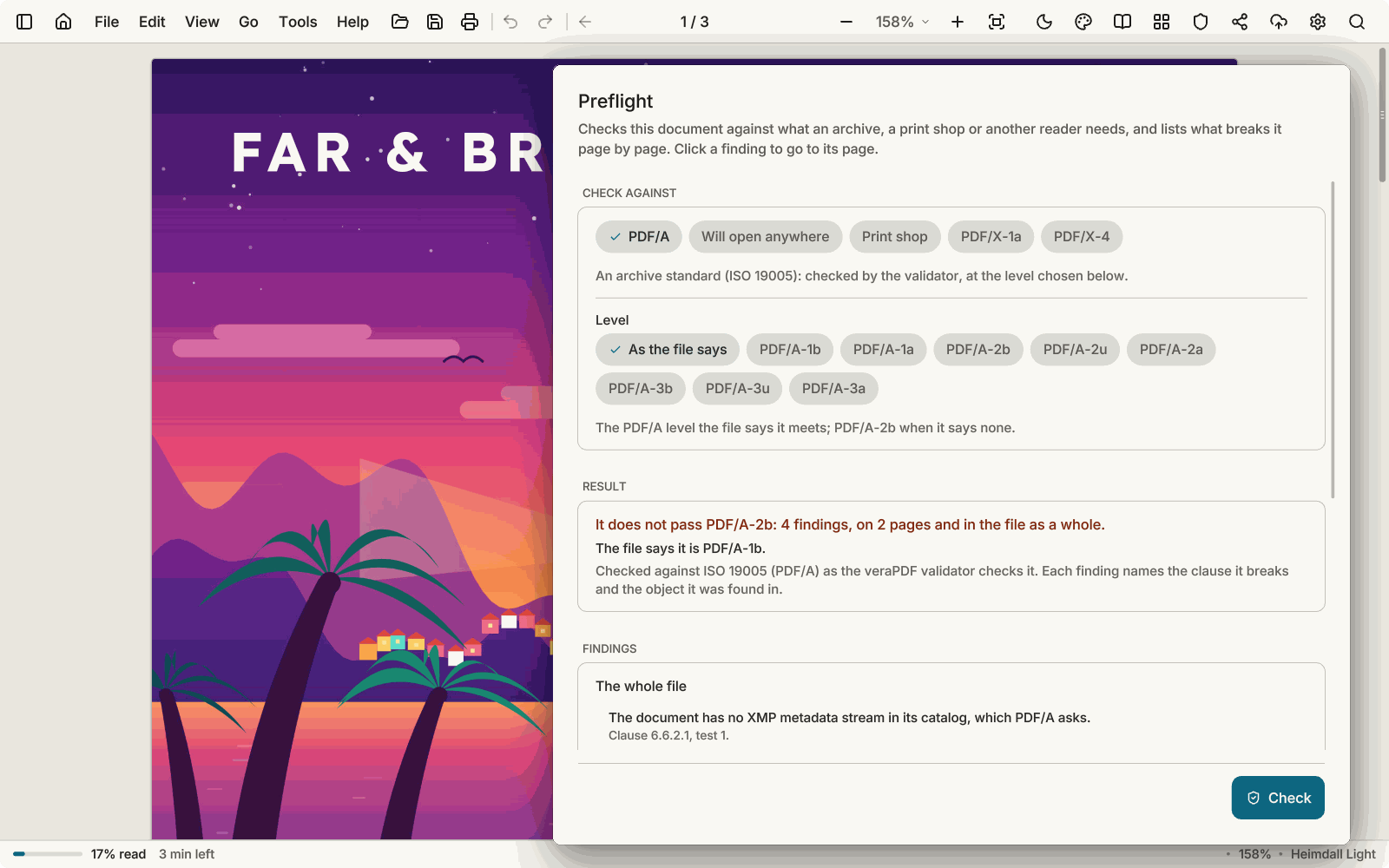
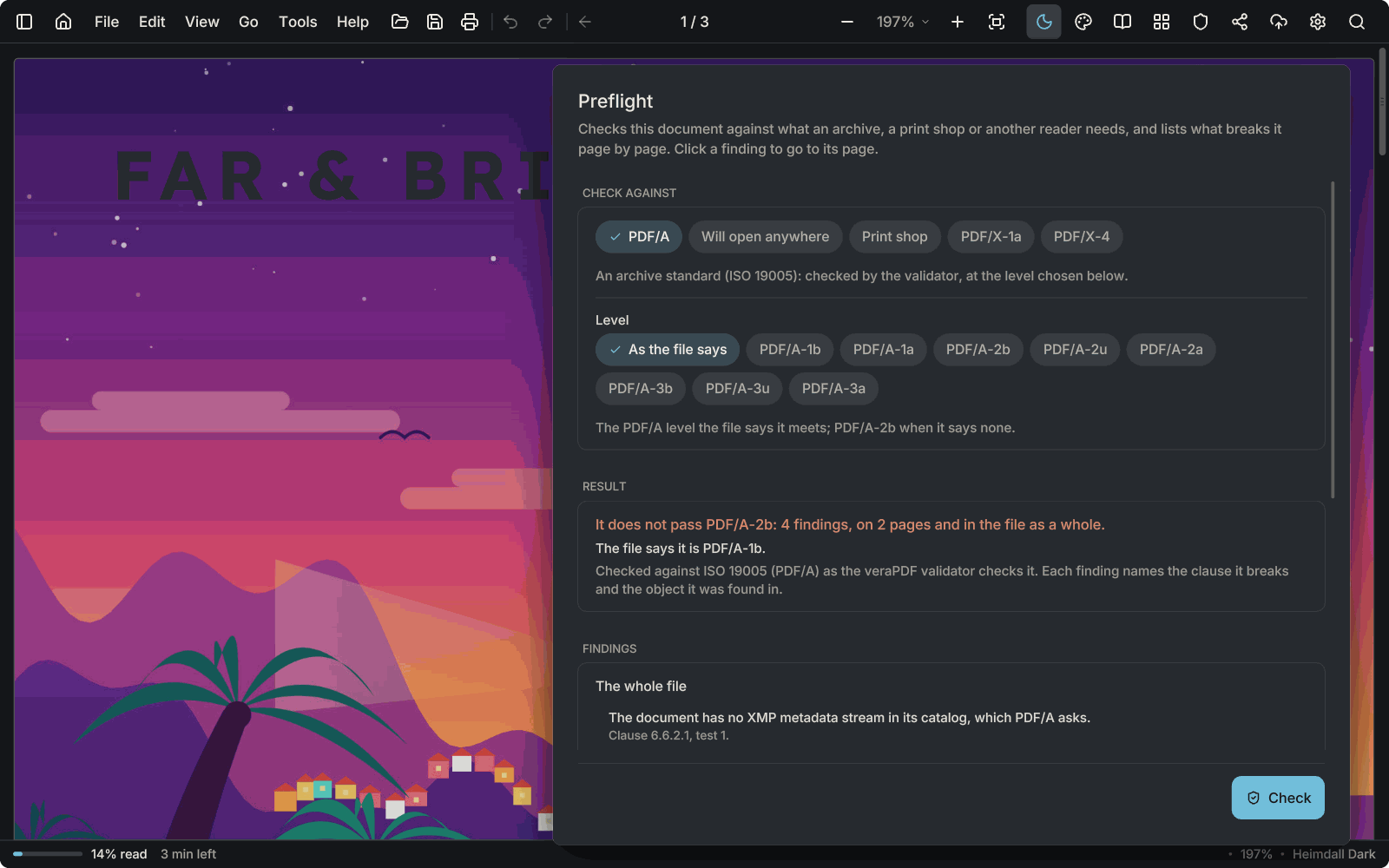
The Preflight window over a magazine cover, with a result saying the file does not pass PDF/A-2b, with four findings.The Preflight window over a magazine cover, with a result saying the file does not pass PDF/A-2b, with four findings.

PDF/A check and Preflight

Check a file against PDF/A-1, -2 and -3, or for a print shop or other readers, with findings by page. Automatic fixes go into a new file.
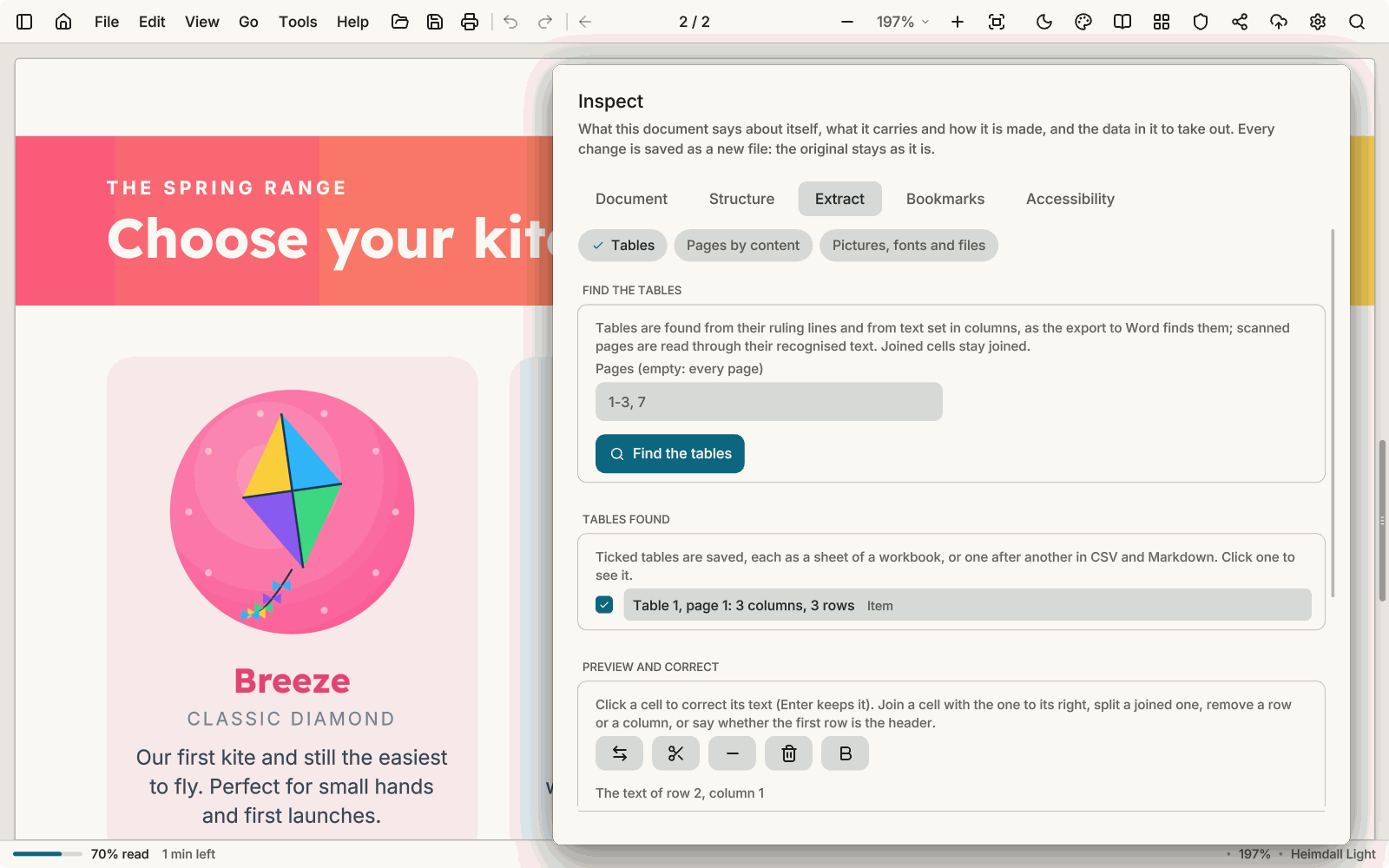
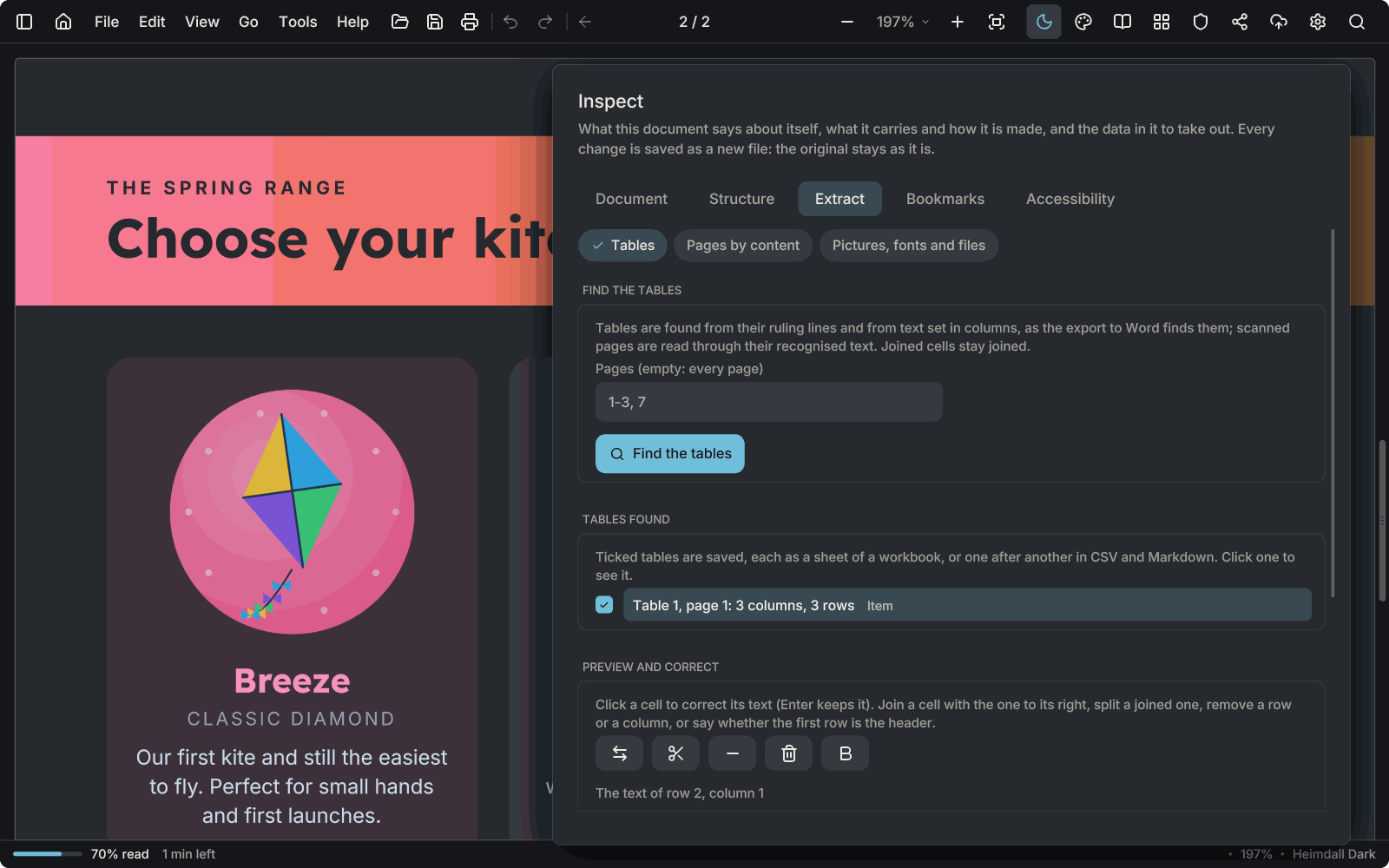
The Inspect window on its Extract tab, over a kite catalogue, with a table found in the document.The Inspect window on its Extract tab, over a kite catalogue, with a table found in the document.

Inspect

See what a file contains: metadata, structure, fonts and pictures. Take tables out to Excel, build bookmarks from headings, and repair a damaged file.
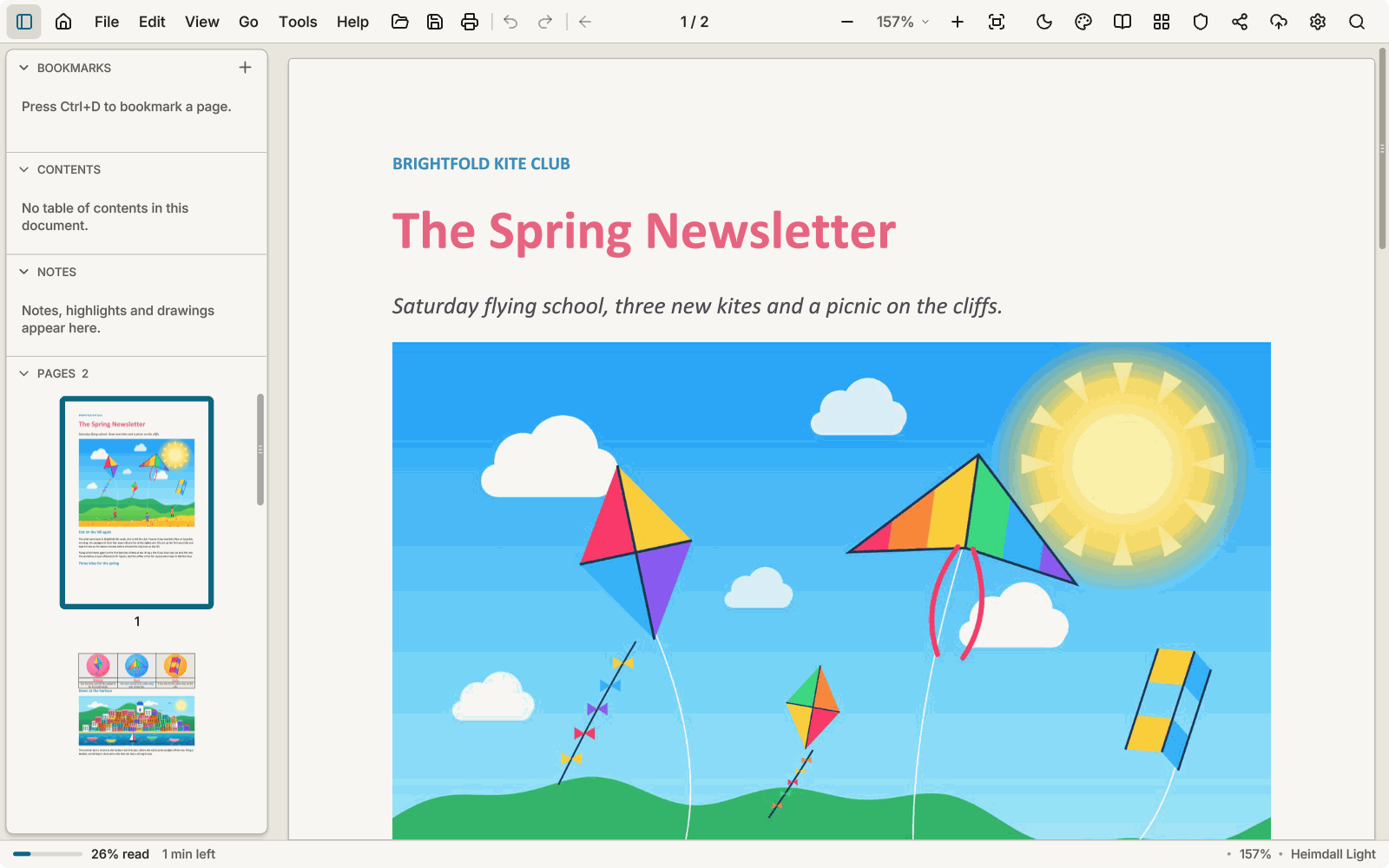
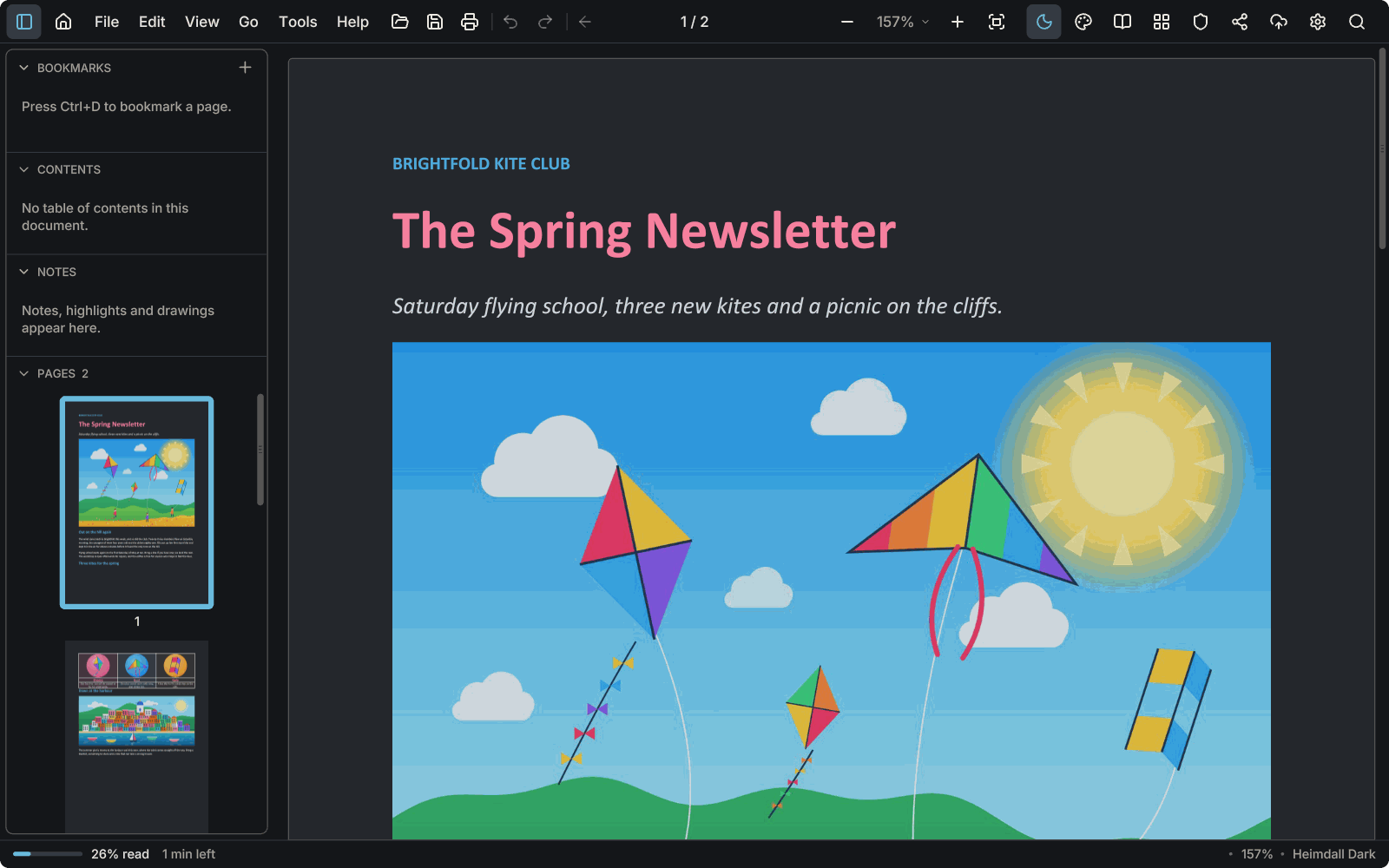
A Word document, a kite club's spring newsletter, open in AntiPDF with its coloured headings and a picture of kites.A Word document, a kite club's spring newsletter, open in AntiPDF with its coloured headings and a picture of kites.

Documents without Office

Word, RTF, OpenDocument and other files open and are laid out by AntiPDF itself, and a PDF can go back to Word, OpenDocument or RTF. Nothing else needs to be installed.
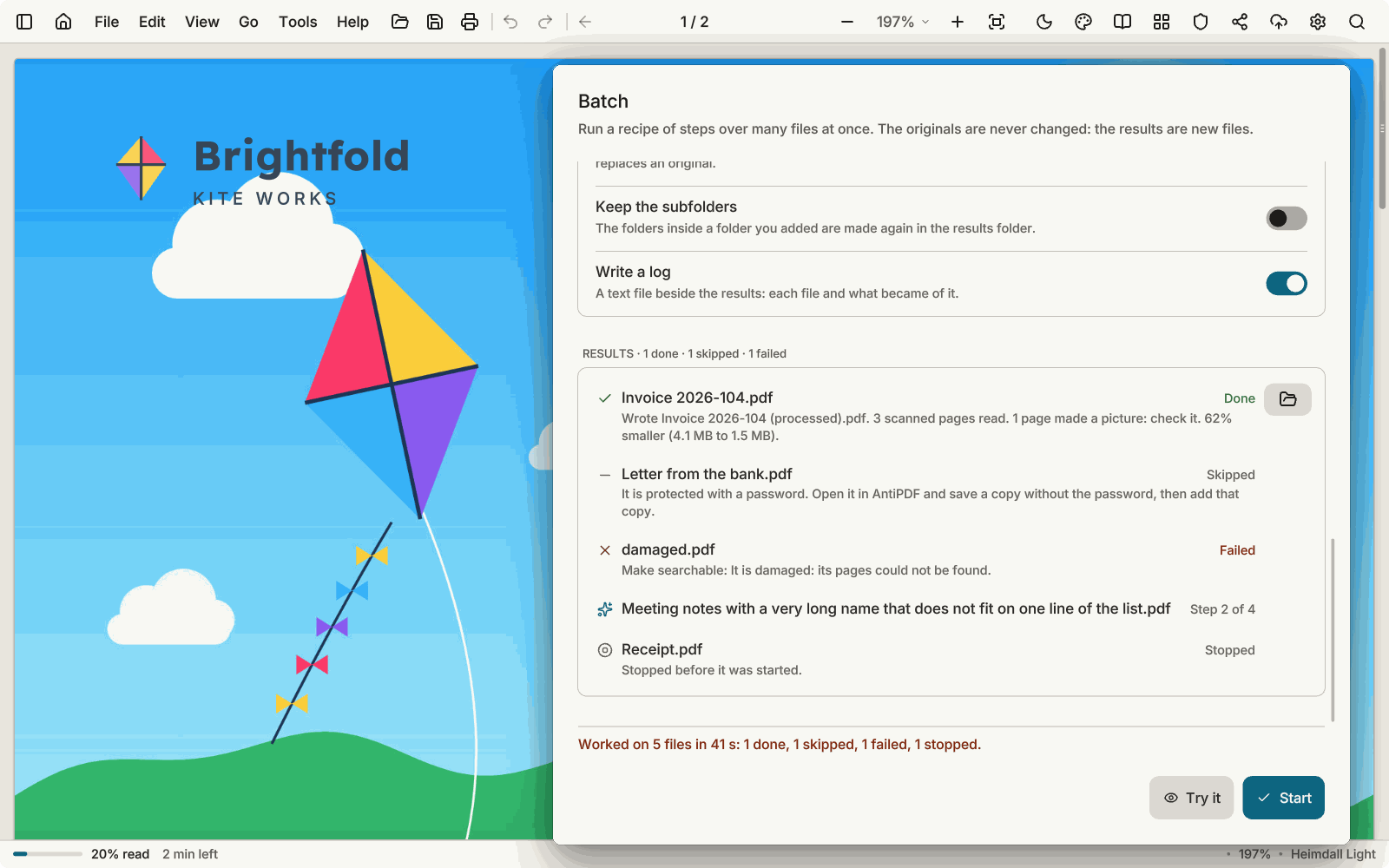
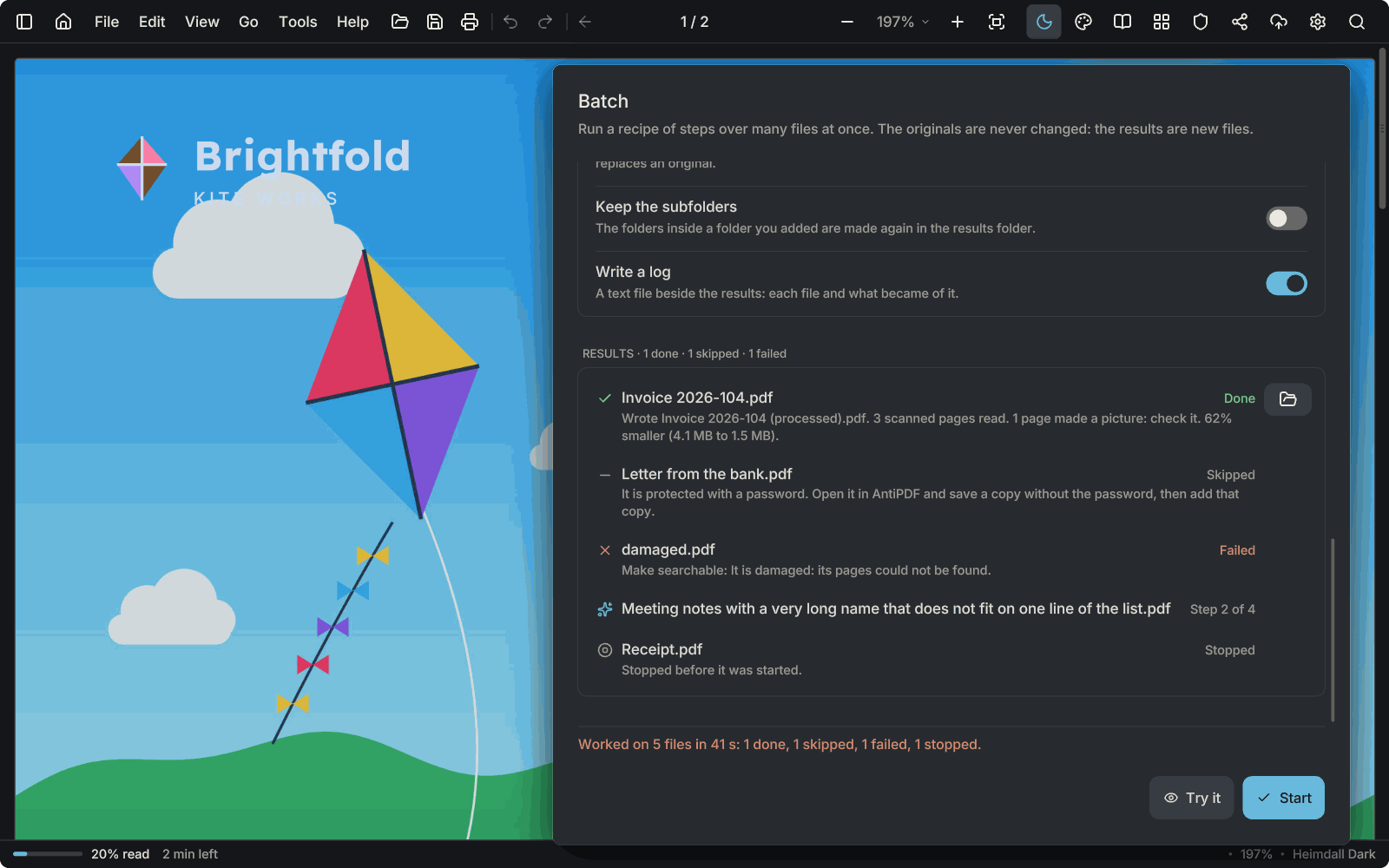
The Batch window after a run, over a kite catalogue: five files, each with its result and a short reason.The Batch window after a run, over a kite catalogue: five files, each with its result and a short reason.

Batch and the automation port

Run steps over many files in one go, save them as recipes, or drive them from a script through a port that stays on your computer. How batch works and the port's reference.
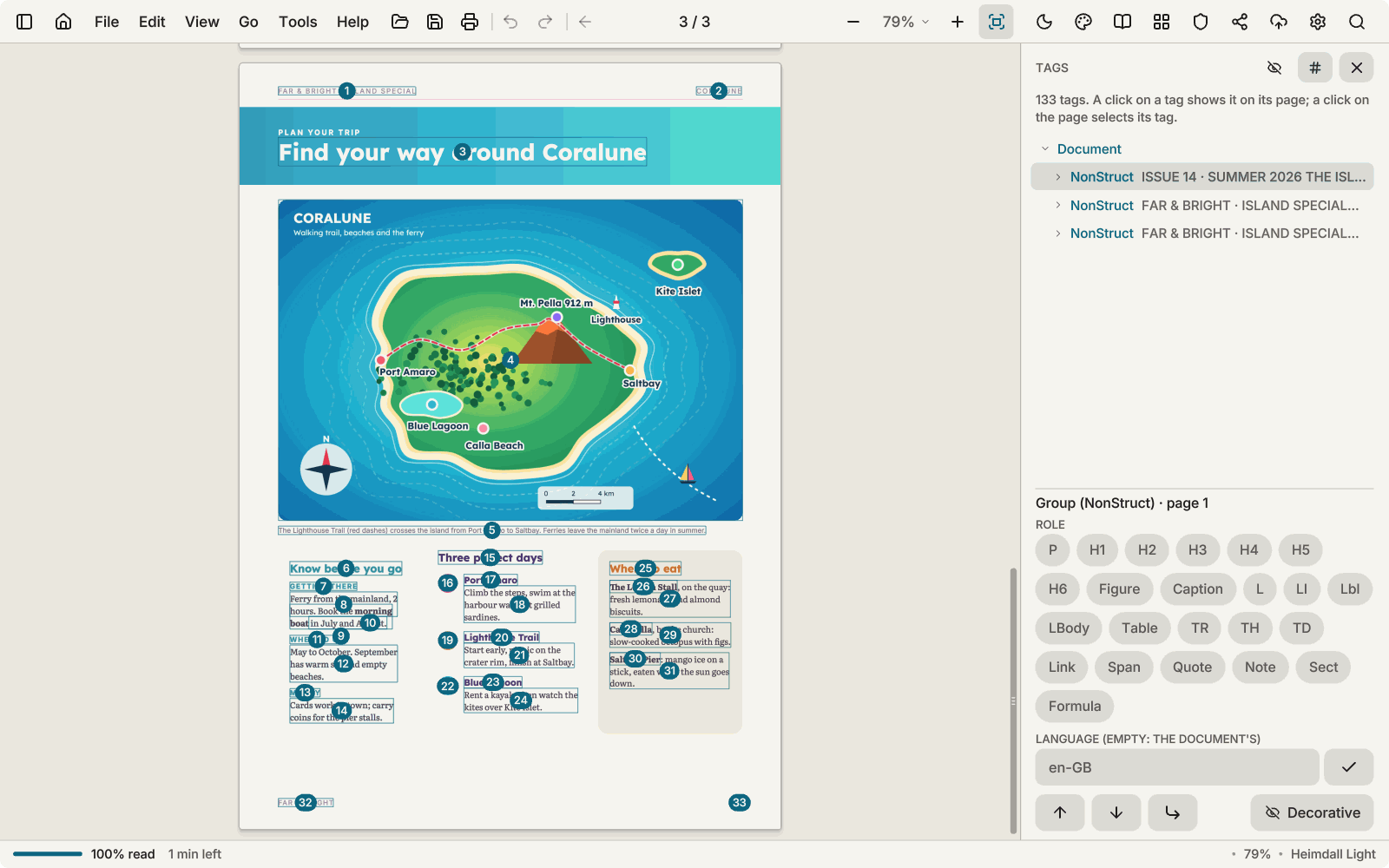
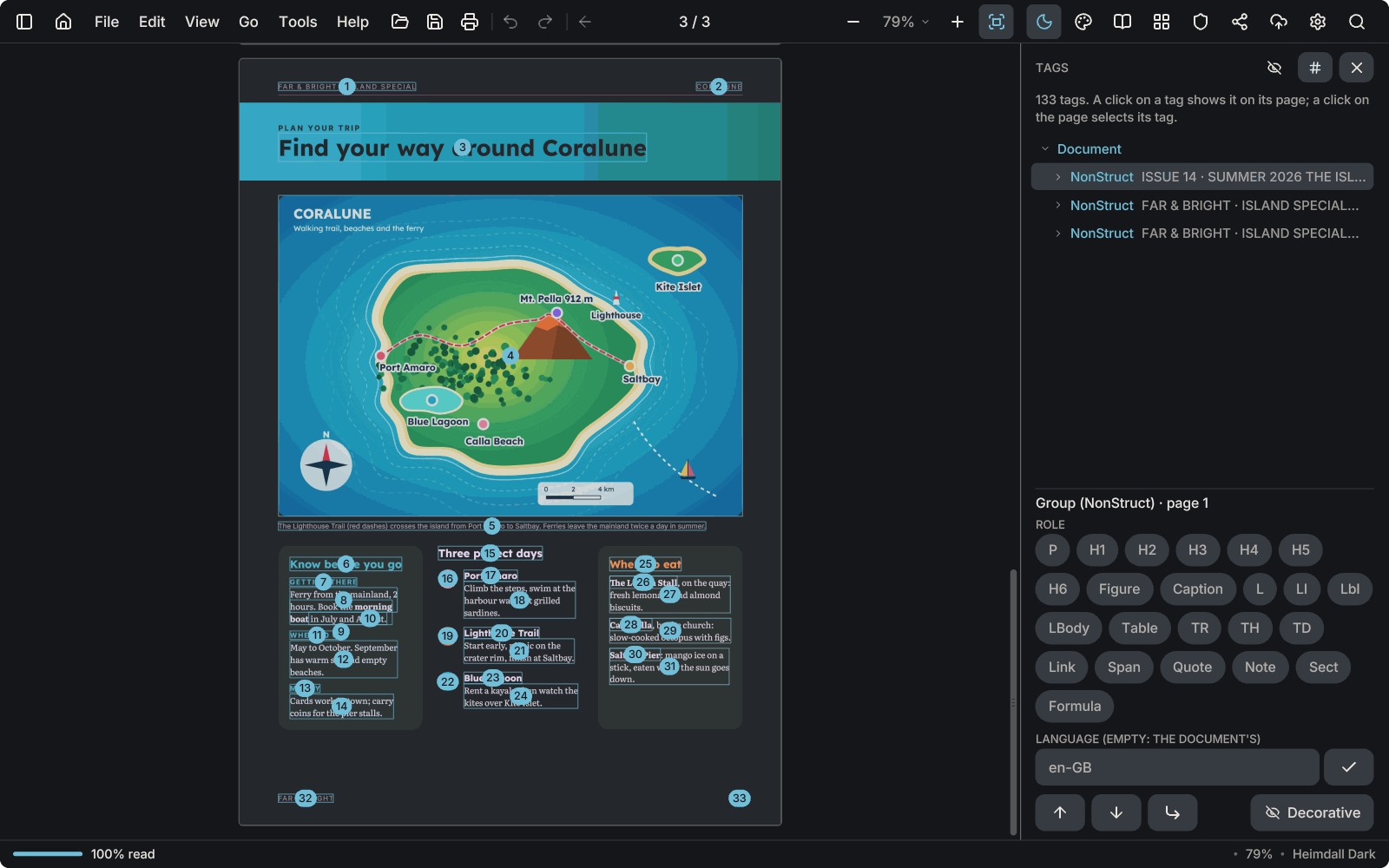
A magazine page with its reading order drawn as numbered circles, and the Tags panel with the tag tree.A magazine page with its reading order drawn as numbered circles, and the Tags panel with the tag tree.

Accessible PDFs

Check a document against PDF/UA and see its tags, with the reading order drawn over the page. Edit a tag's role, alternate text and language by hand, or tag an untagged file as a first draft that you review. The reading order is changed with move up and move down, not by dragging. Editing works on documents up to 256 MB, and text that only came from text recognition must be made searchable before it can be tagged.

Redaction Pro

Sensitive details removed, not covered

AntiPDF finds card numbers, bank accounts (IBAN), ID numbers, e-mail addresses, phone numbers and keys, on scanned pages too. In the copy it writes, pages with redactions are rebuilt as pictures: the hidden text is gone, not hidden under a black box. Always look through the result before you send it.
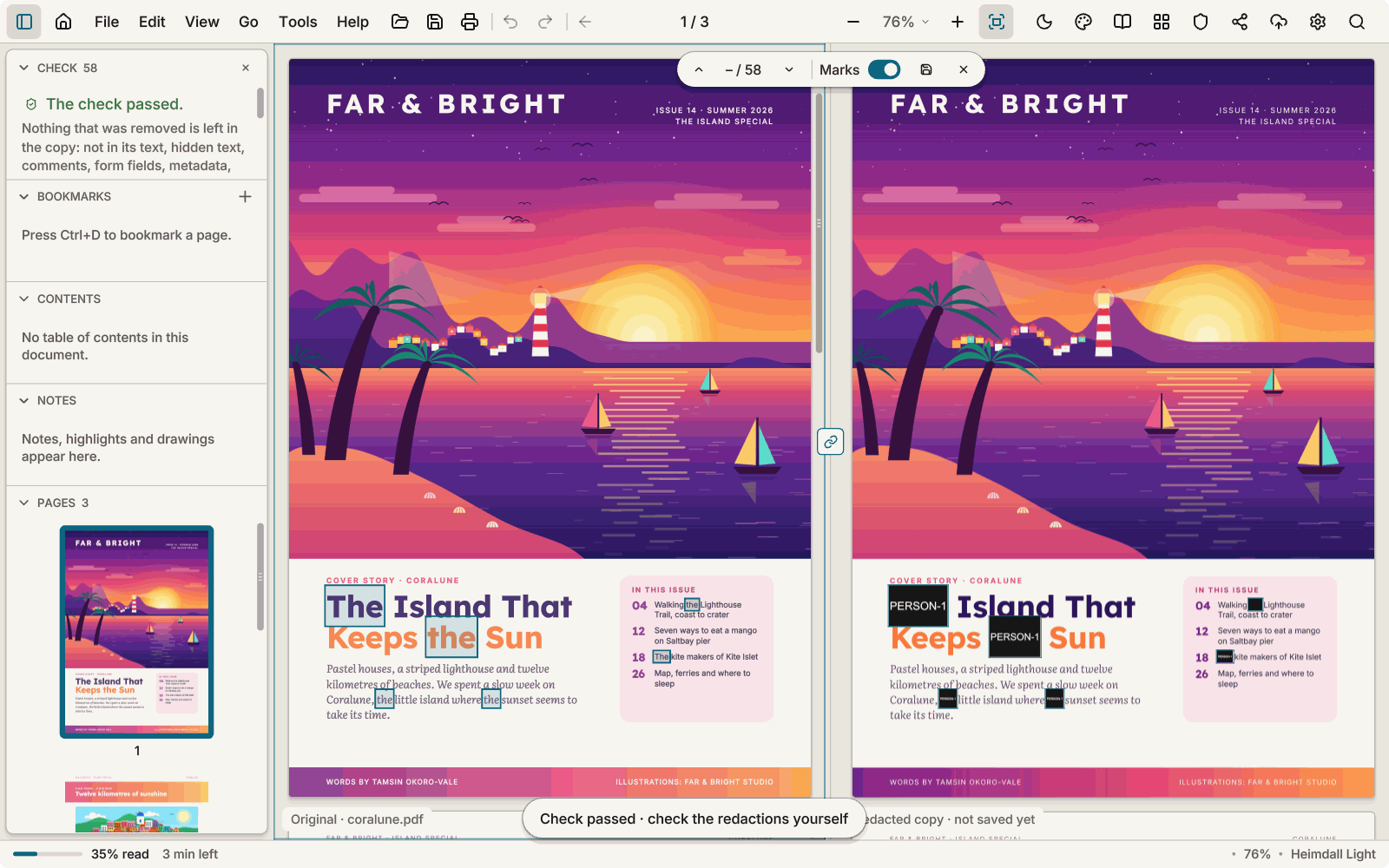
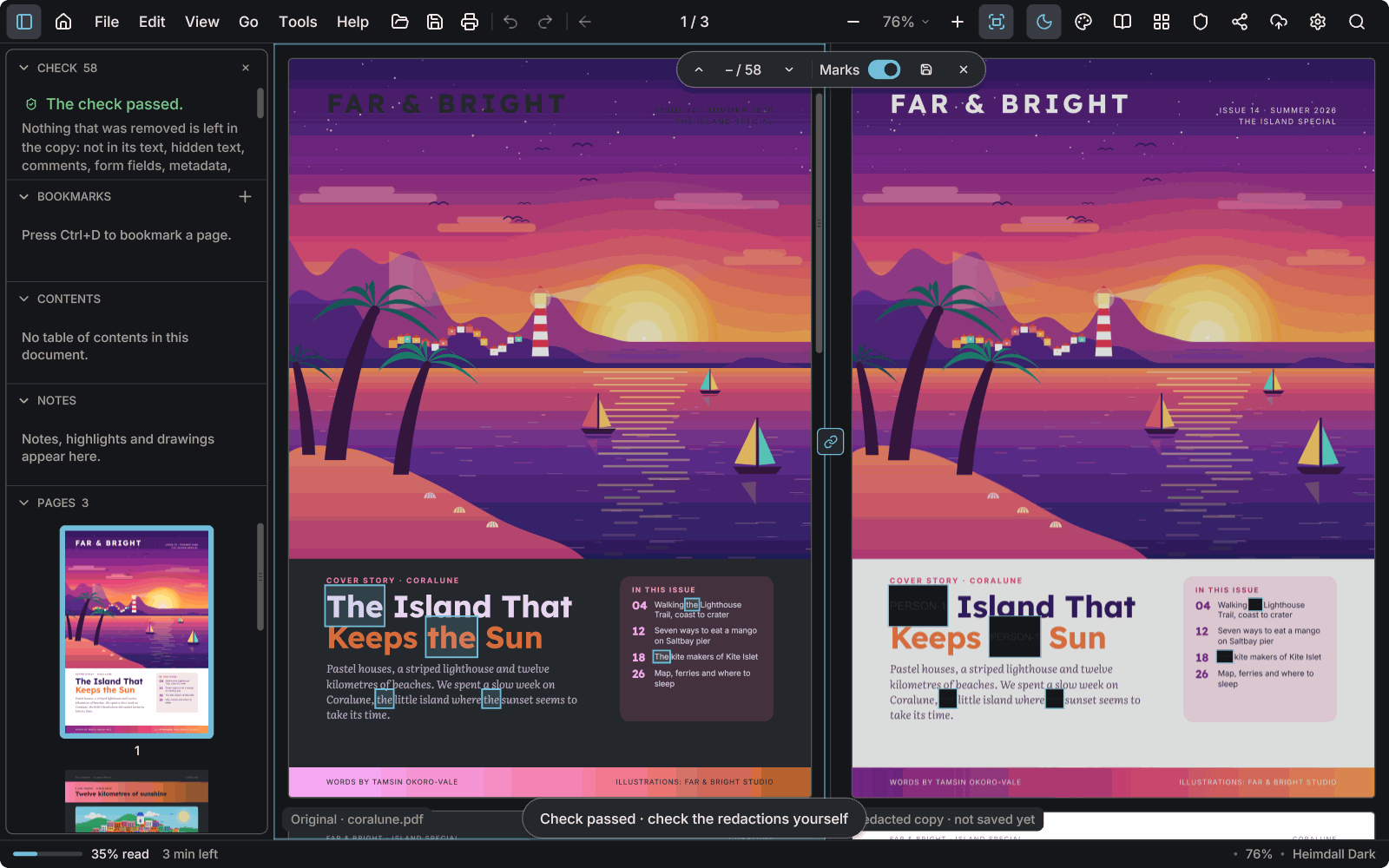
The redaction check in Heimdall: the original magazine cover and the redacted copy side by side, the found words painted out in black and the check passed.The redaction check in Heimdall: the original magazine cover and the redacted copy side by side, the found words painted out in black and the check passed.
The check beside the document: the copy is read back, and every word the lists found is gone from it.
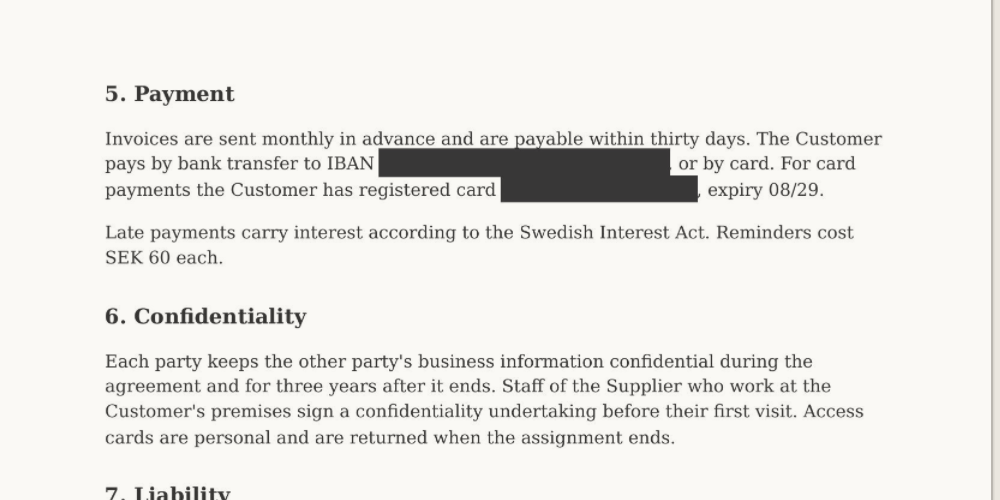
A scanned page in the redacted copy: the IBAN and the card number are painted over in black.
The scanned page in the copy: account and card number painted out of the picture.
Security Pro

Protect, sign, clean and mark a copy

Each makes a new file and leaves the original as it is.
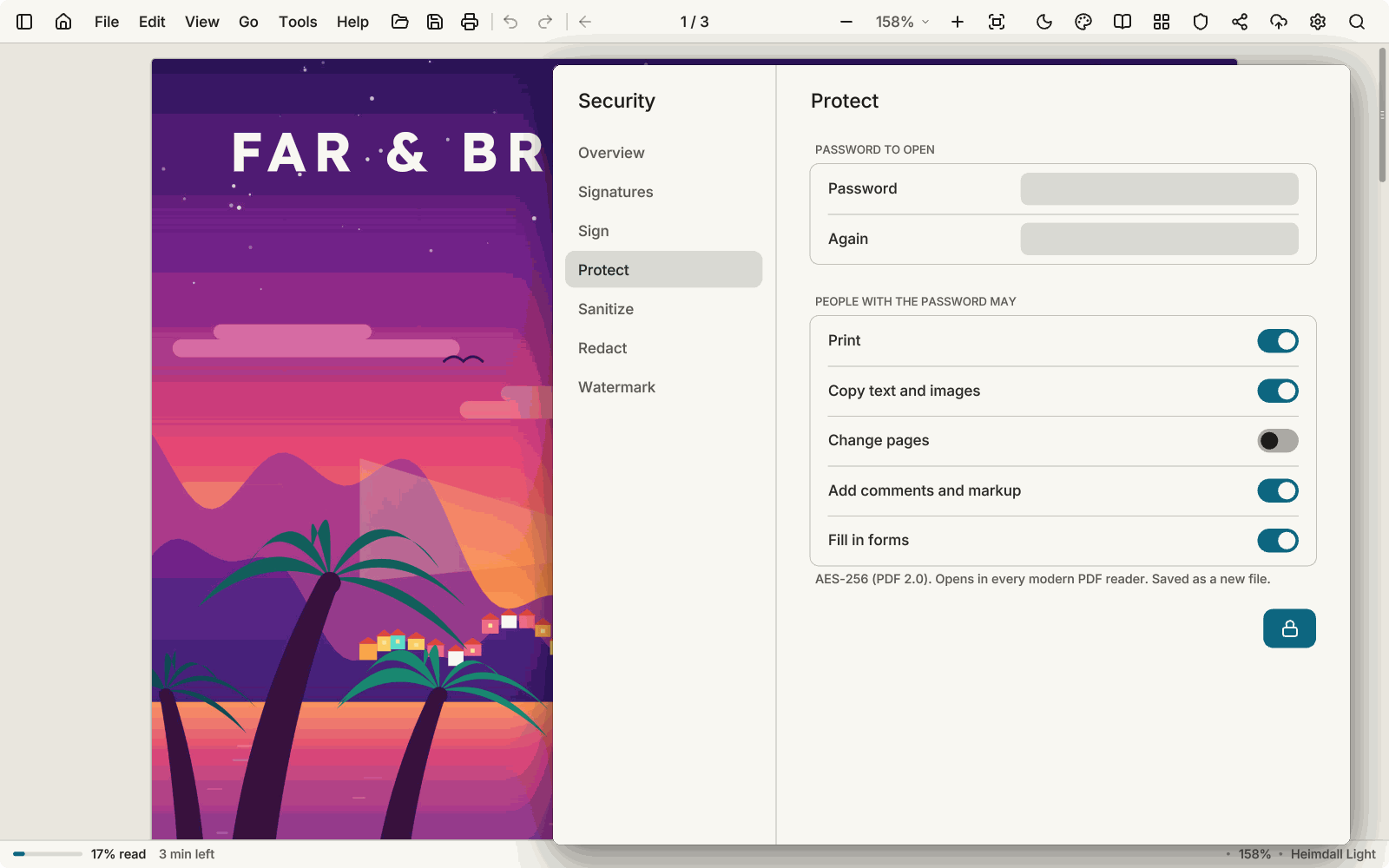
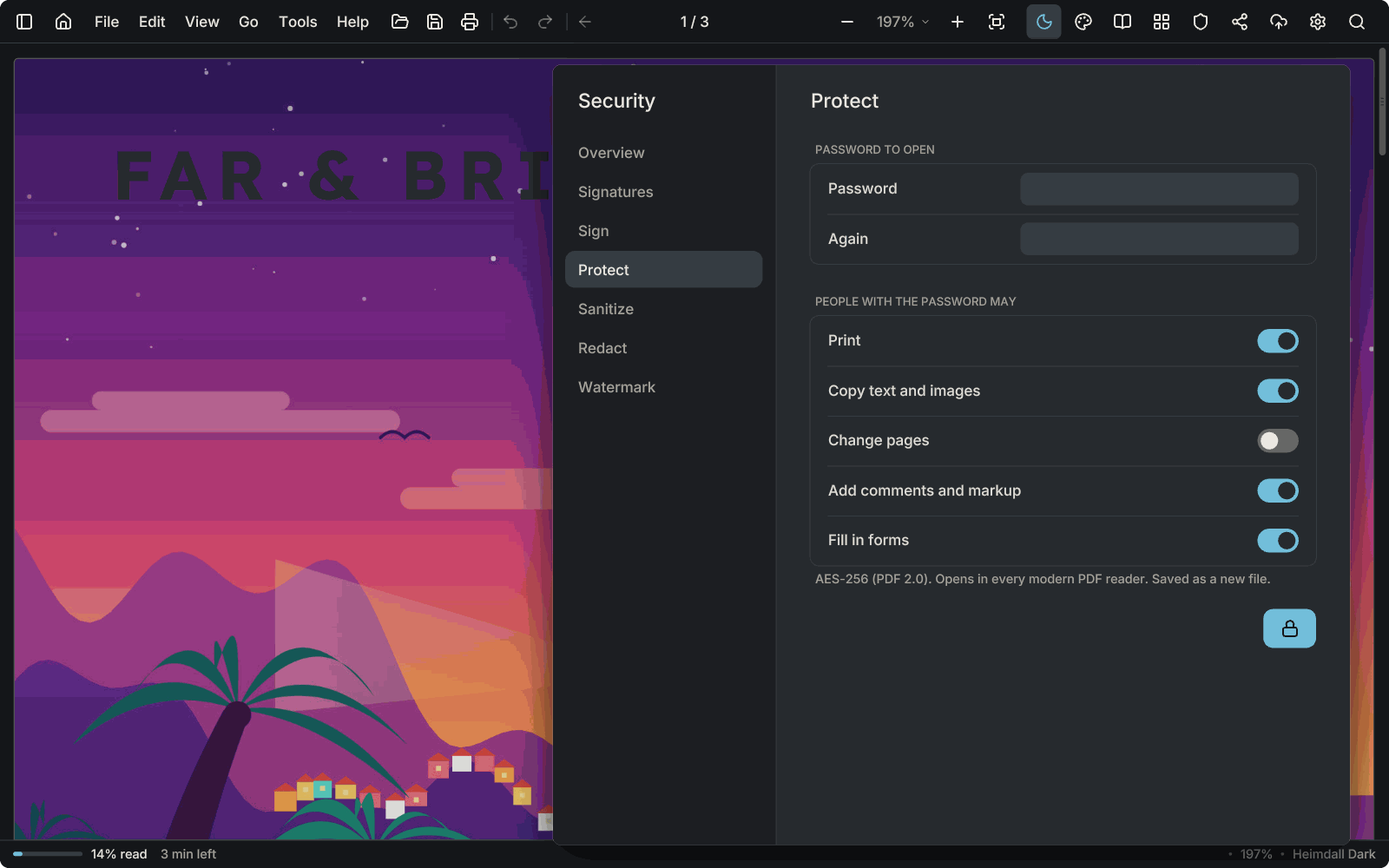
The Protect tab of the Security window over a sunset magazine cover: a password to open, and switches for what people with the password may do: print, copy, change pages, comment, fill in forms.The Protect tab of the Security window over a sunset magazine cover: a password to open, and switches for what people with the password may do: print, copy, change pages, comment, fill in forms.
Passwords

AES-256, with what readers may do: print, copy, change pages, comment, fill in forms.
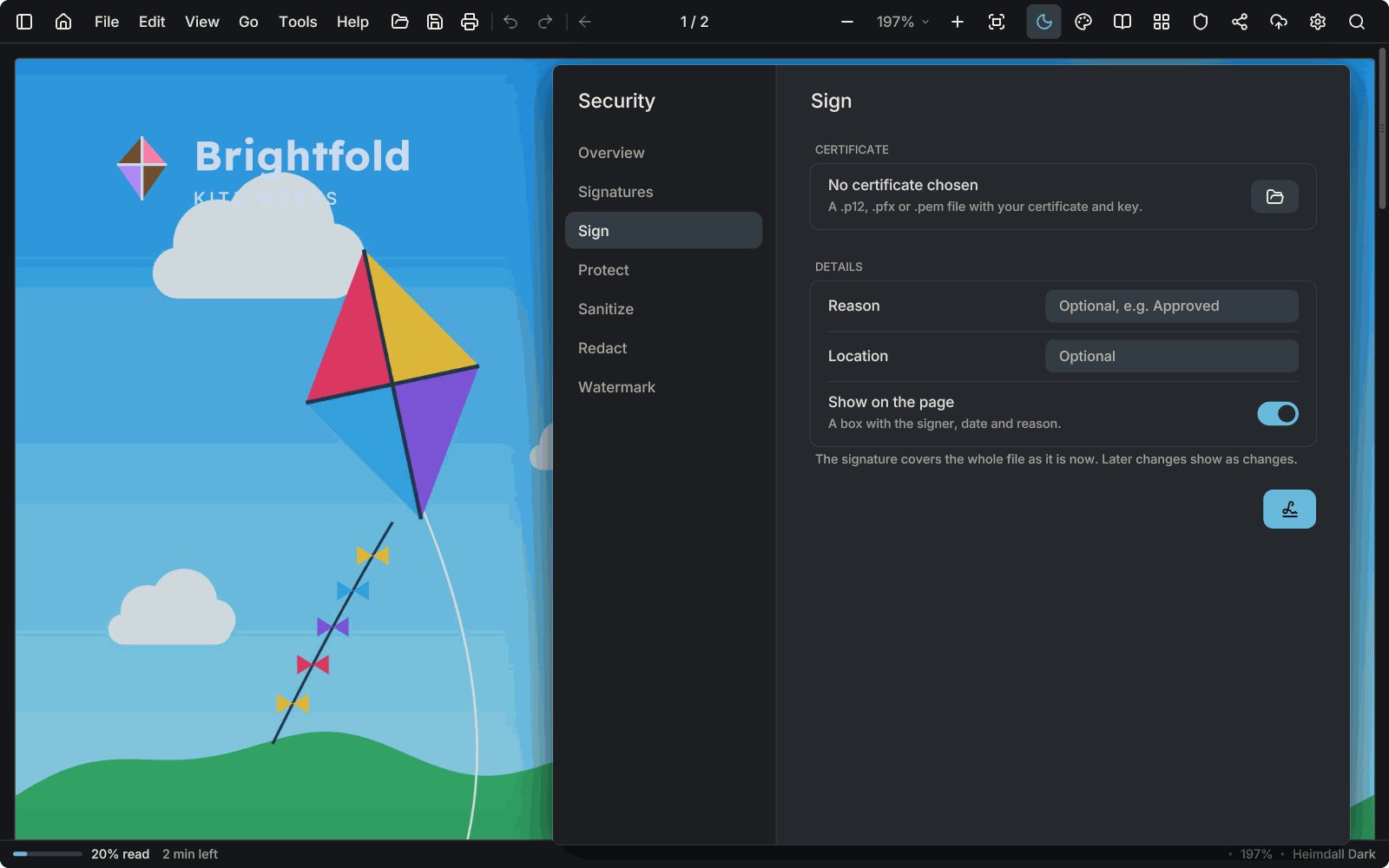
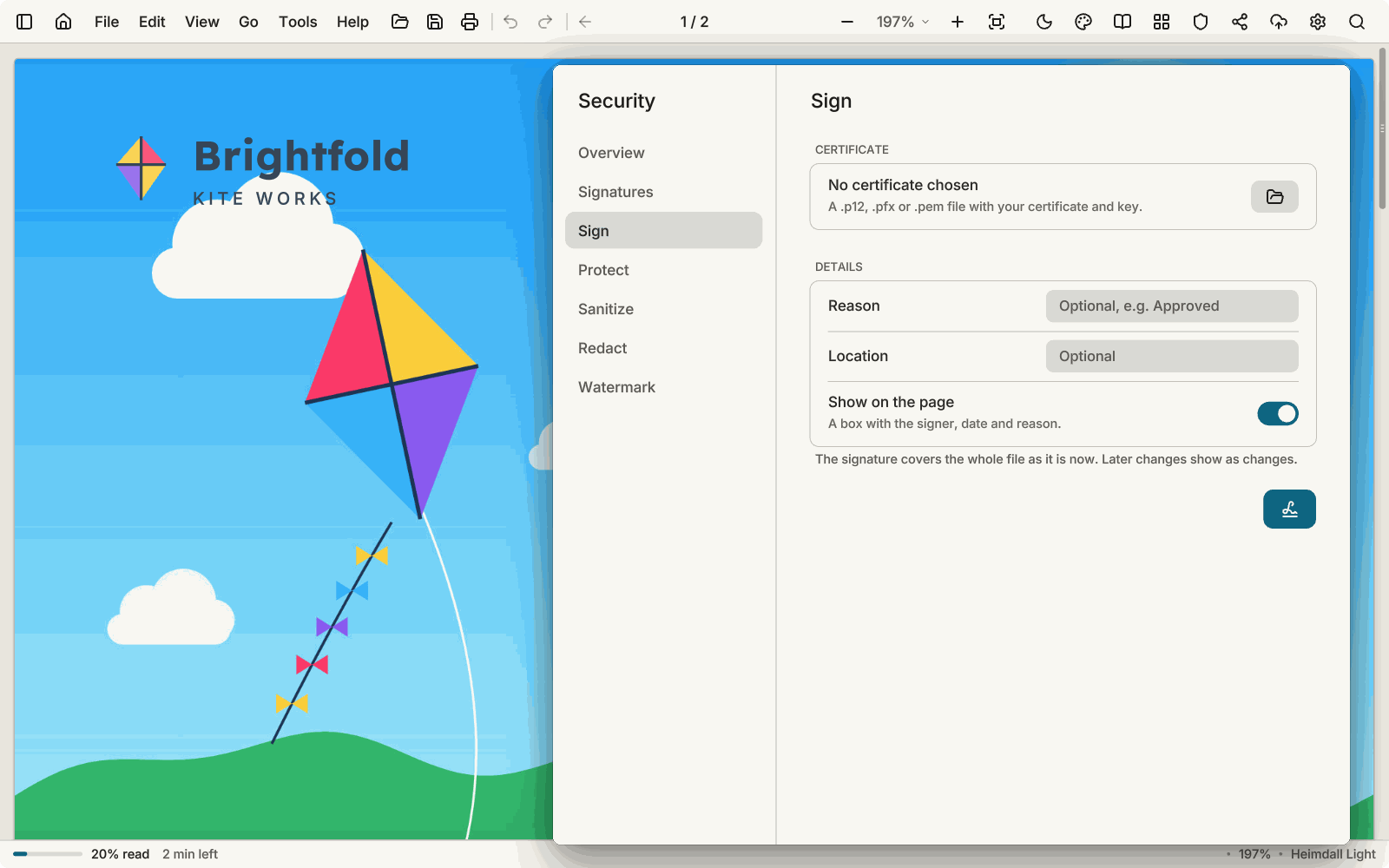
The Sign tab of the Security window over a kite catalogue: a certificate file, an optional reason and location, and a box on the page.The Sign tab of the Security window over a kite catalogue: a certificate file, an optional reason and location, and a box on the page.

Digital signatures

Sign with your certificate (.p12, .pfx or .pem). Checking signatures is free.
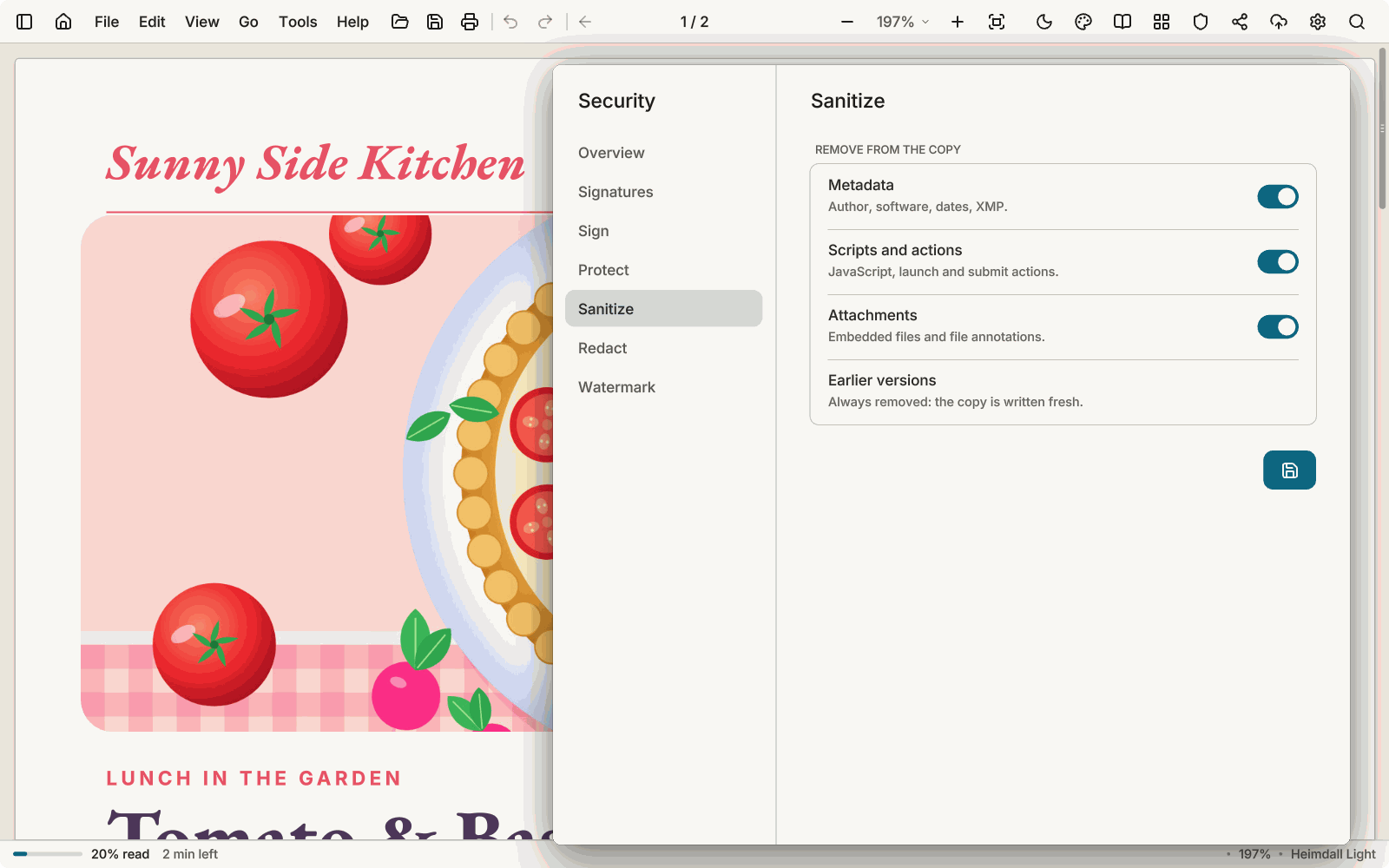
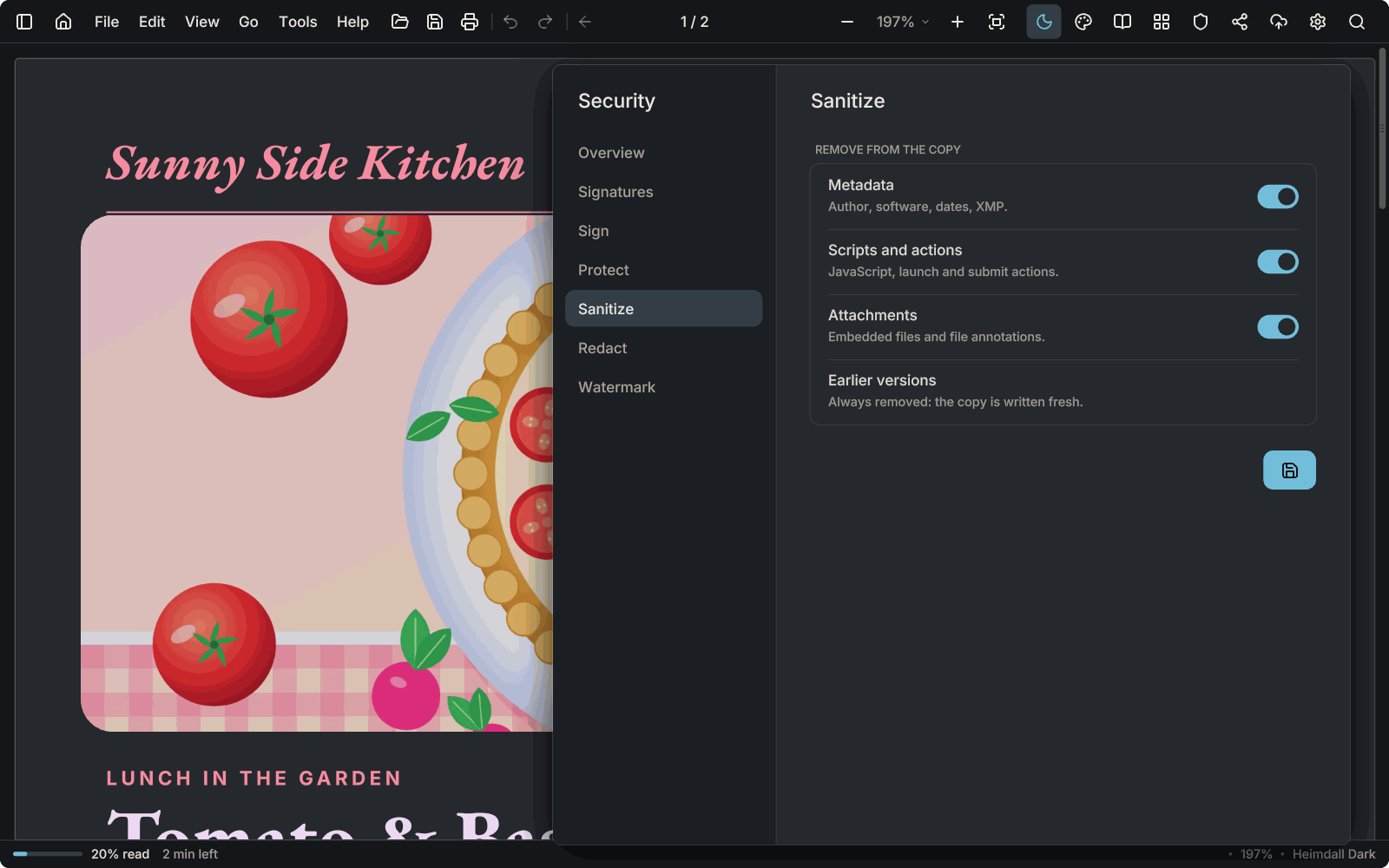
The Sanitize tab of the Security window over a recipe page: remove metadata, scripts and actions, and attachments; earlier versions are always removed.The Sanitize tab of the Security window over a recipe page: remove metadata, scripts and actions, and attachments; earlier versions are always removed.

Clean copies

Without metadata, scripts, attachments or earlier versions of the file.
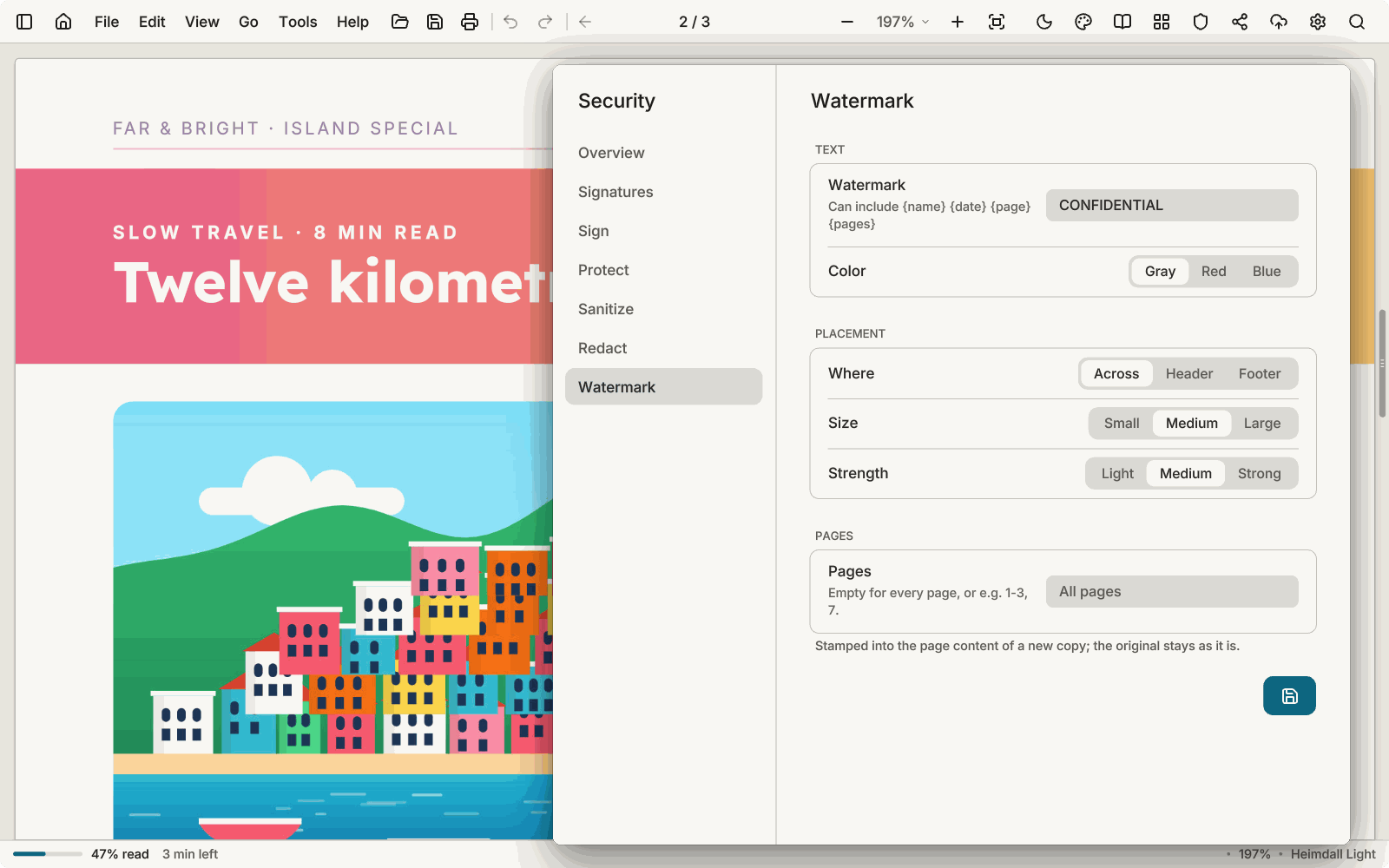
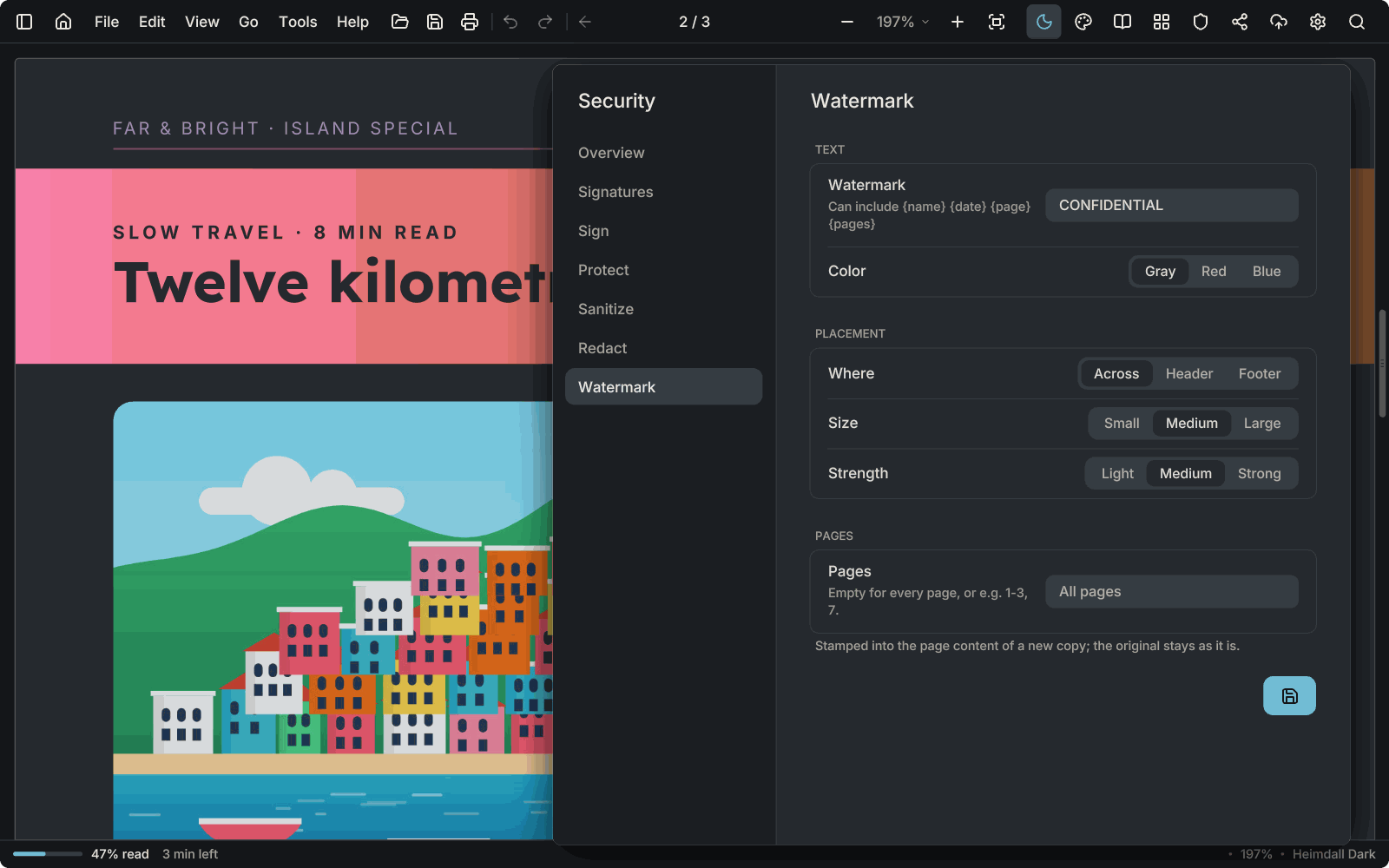
The Watermark tab of the Security window over a travel magazine: the text CONFIDENTIAL, its colour, placement across the page, size, strength and pages.The Watermark tab of the Security window over a travel magazine: the text CONFIDENTIAL, its colour, placement across the page, size, strength and pages.

Watermarks

Across the page, in the header or the footer, with the name, date or page number.

AntiPDF never runs scripts, opens attachments or follows a document's actions on its own. Printing has booklets, several pages to a sheet, two-sided and Save as PDF.

Sharing Pro

Share a document and read it together

Keep a document in your account and share it with the people you choose: by e-mail address, as a reader, a commenter or an editor, or with a link that can expire and ask for a passcode. Everything is encrypted on your computer before it leaves, so the server keeps only what it cannot read: the document, its name, the notes and the chat.
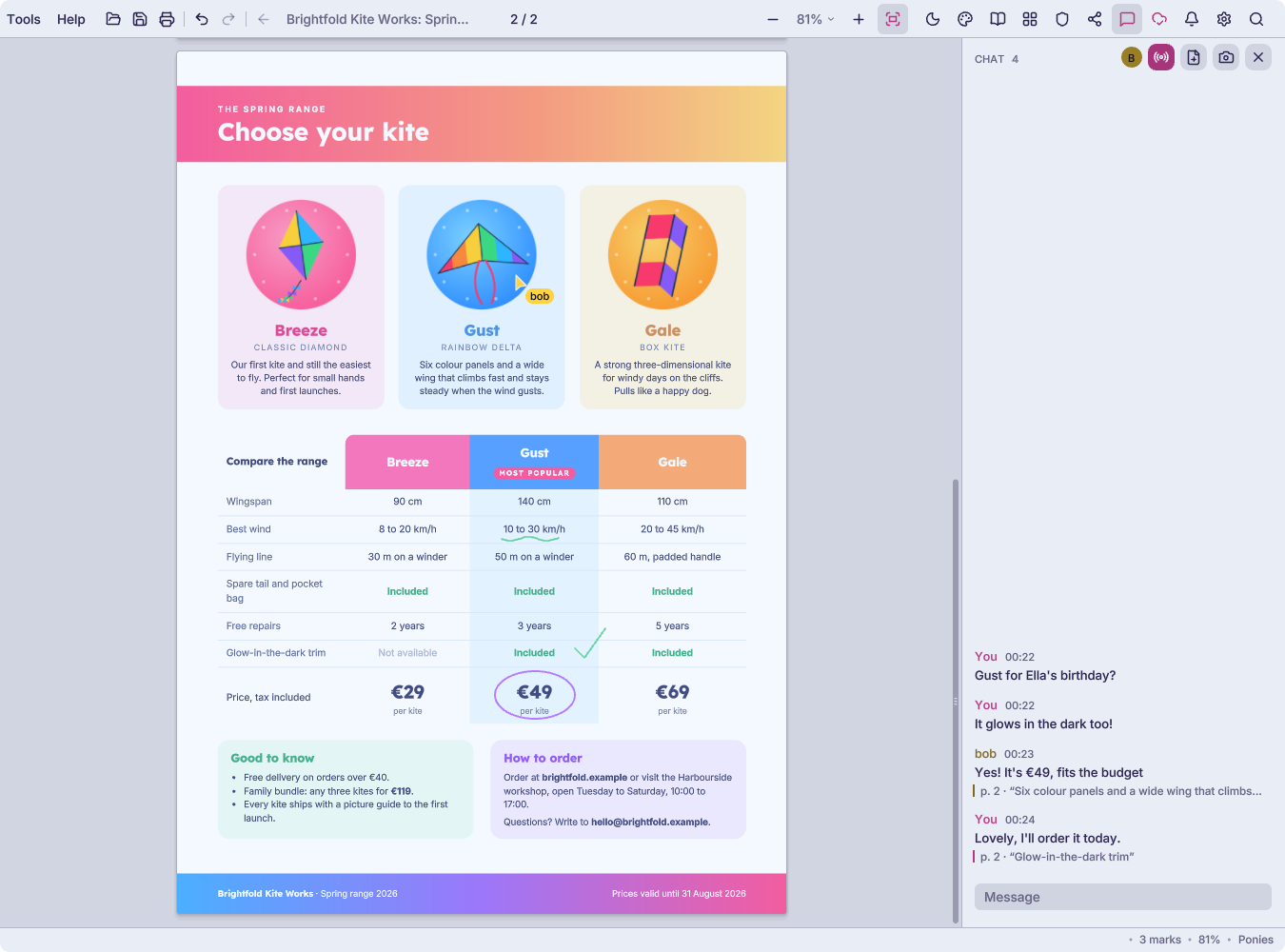
A live session in the Ponies theme: Alice and Bob on the same page of a kite brochure. Bob's named pointer rests on a kite, Alice has ringed its price and Bob has ticked a line, and beside the page their chat talks about which kite to buy, each message tied to the passage it is about.
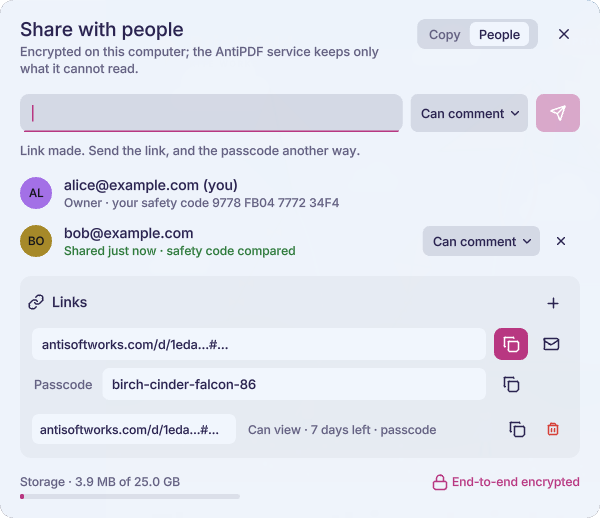
Share with people: Bob can comment and his safety code has been compared; a link with a passcode has just been made.

People and links

Choose who reads, comments or edits. Links can expire and ask for a passcode you send another way.
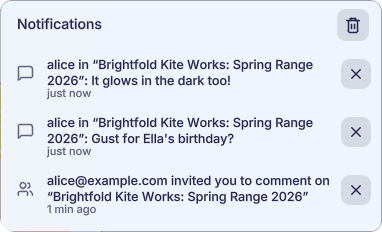
The bell's notifications: two chat messages from Alice and her invitation to comment on the kite brochure.

The bell

Invitations, chat in other documents and new sign-ins, in one place.
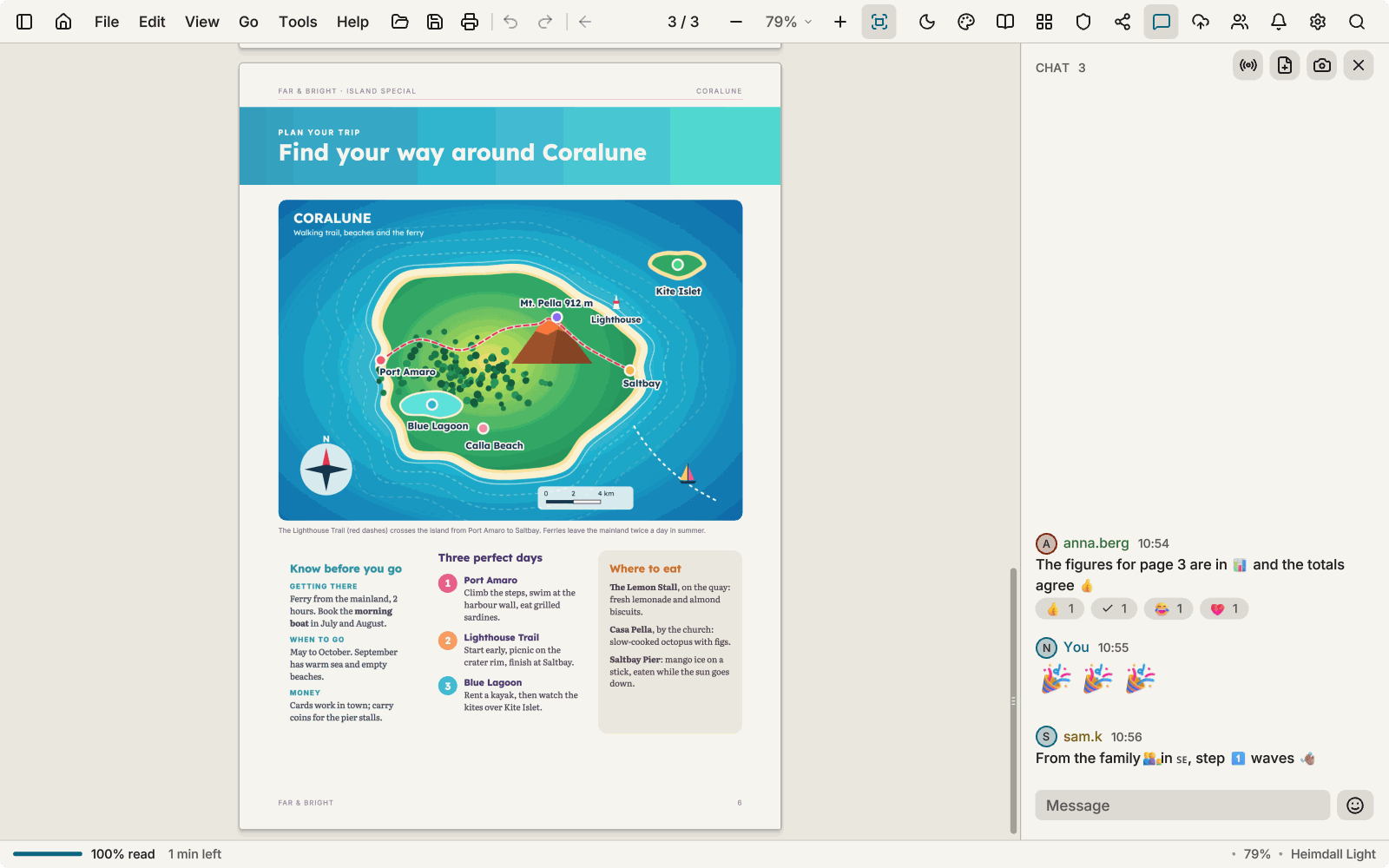
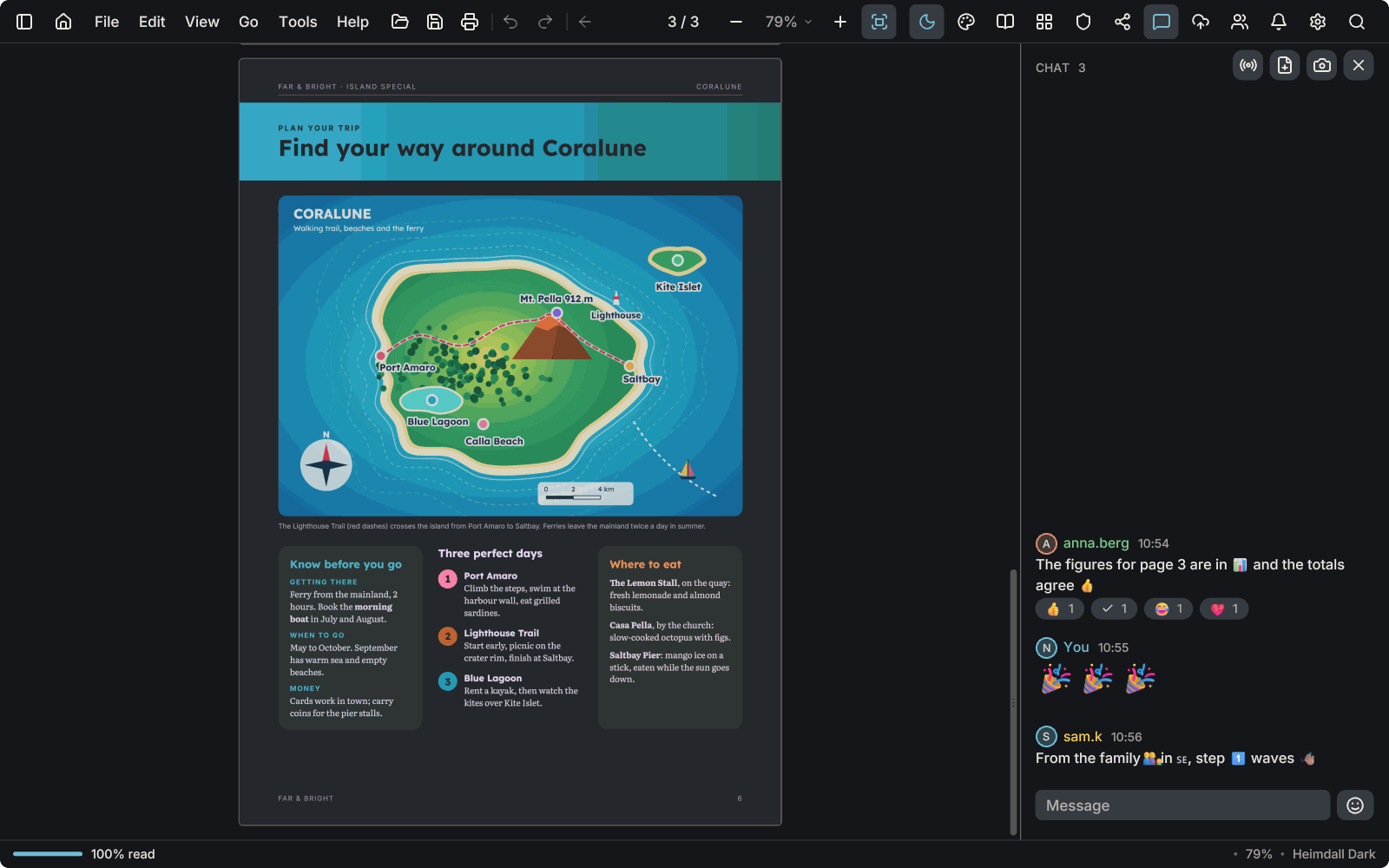
A chat beside a magazine page with colour emoji in the messages and in the reactions.A chat beside a magazine page with colour emoji in the messages and in the reactions.

Colour emoji in chat

Emoji are drawn in colour in messages and reactions, and a message of emoji only is shown large.
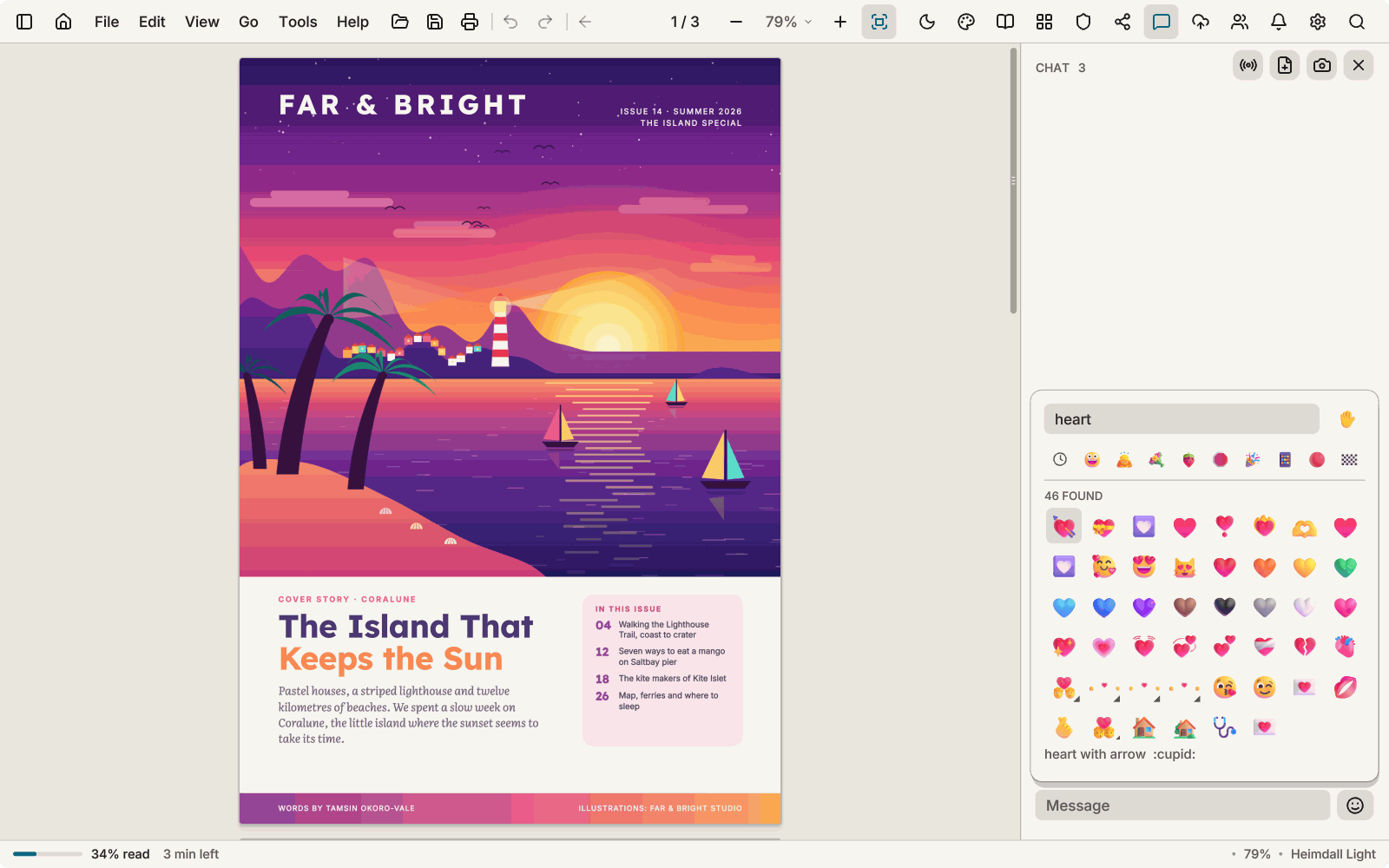
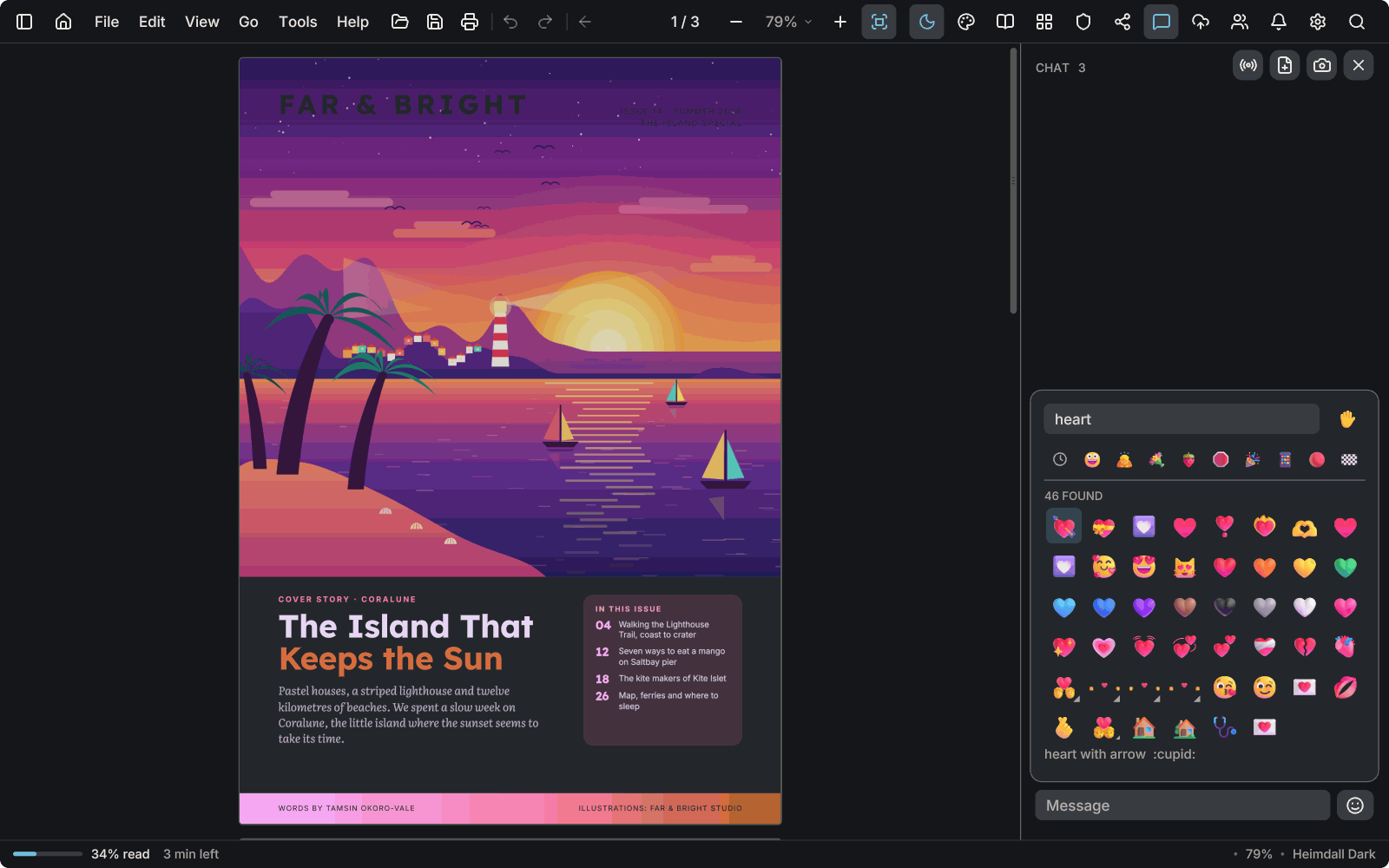
The emoji picker in the chat, searched for the word heart, with 46 results in colour.The emoji picker in the chat, searched for the word heart, with 46 results in colour.

A picker you can search

Search by name, with skin tones, people and flags. The colours come from a pack you download once in Preferences; until it is installed, emoji are drawn as outlines.

Sharing needs an account: an e-mail address and a code, no password. Reading and every other tool work without one, offline.

Themes

Your documents wear the theme too

Other readers put a glaring white page in the middle of your dark theme. In AntiPDF the page itself takes the theme's colors: its paper, text and lines, while photographs keep their own. A white page no longer lights up the room at night.

35 themes, light and dark: from Heimdall Light and Catppuccin to Pitch Black for OLED screens, the seasons, Halloween and Christmas, and Original, light or dark, which shows every page exactly as the PDF has it. L switches between your light and dark theme.
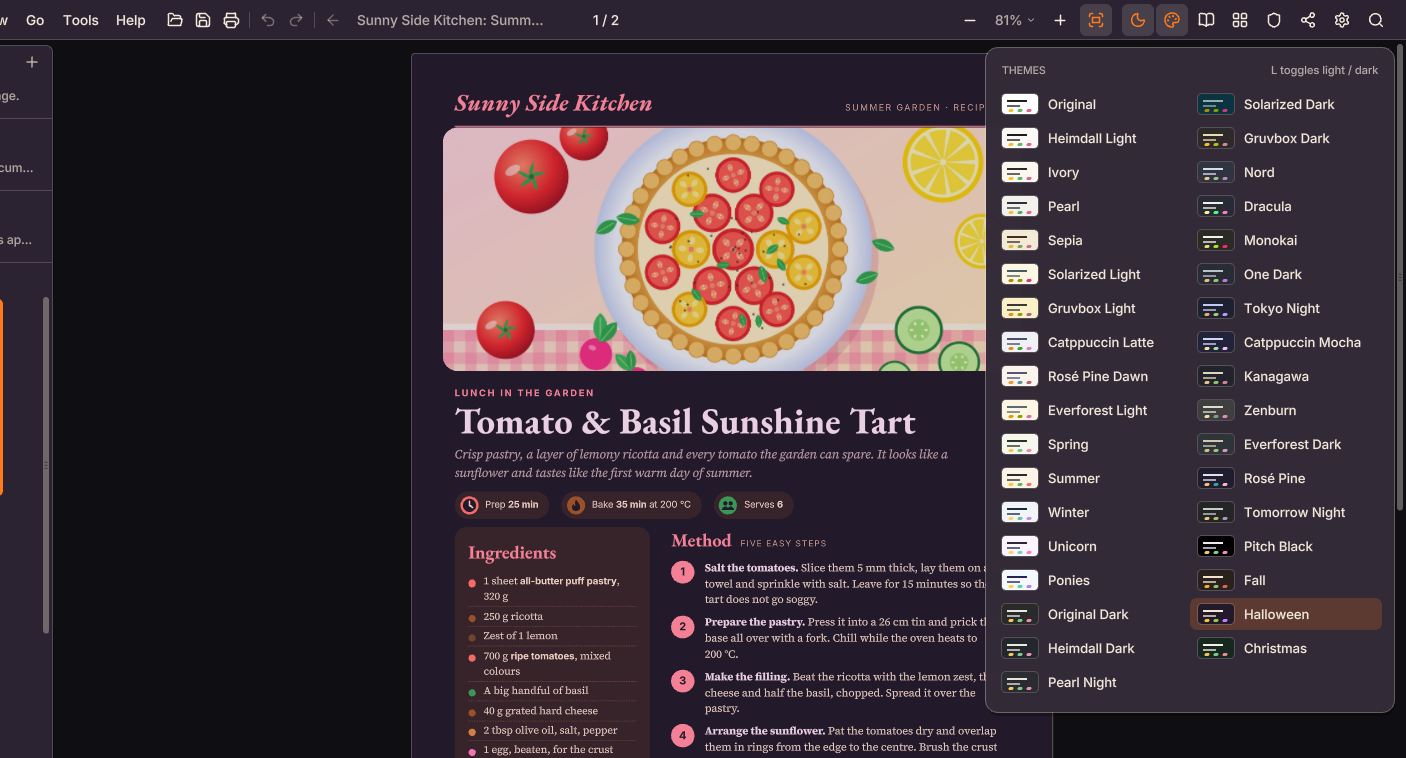
A recipe page in AntiPDF's Halloween theme: the paper has become a deep plum and the text is light, while the illustration of a tomato tart keeps its own colors. The theme palette beside it lists the themes.
Privacy

Your documents stay on your computer

The privacy policy says the same in full.

Formats

What it opens and saves

AntiPDF reads and lays out these files itself. No Office or other program needs to be installed.

Opens

Everything opens as a PDF, so every tool works on it

  • PDF, including password-protected files and filled-in forms
  • Form data (FDF and XFDF): opens its form with the answers filled in
  • Word (DOCX, DOCM, DOTX) and older Word (.doc, .dot), RTF
  • OpenDocument, OpenOffice and StarWriter files
  • Ebooks: EPUB, FB2, MOBI and AZW3
  • Comic archives: CBZ, CBR, CB7 and CBT
  • XPS and OpenXPS, DjVu and CHM
  • Pictures: PNG, JPEG, WebP, GIF, BMP, TGA, and TIFF with all its pages
  • Markdown and plain text

Saves

Files any other program can open

  • PDF, with your markup, edits and filled-in forms
  • PDF/A copies: PDF/A-1b, -2b and -3b, checked when they are made
  • A smaller copy, or a ZIP of several files
  • A clean copy to send, or a flattened form
  • A PDF as a Word, OpenDocument or RTF file to edit
  • A form's answers as FDF or XFDF, for any PDF reader to fill the form with
  • Markdown: headings, paragraphs, lists and links as text
  • Scans as searchable PDFs
Free, Pro and Business

Free for reading and everyday work

Free

No time limit, no nagging

  • Reading, search, reading view and themes
  • Highlights, notes, drawing and hand-drawn signatures
  • Editing text and pictures on the page
  • Organizing, inserting and extracting pages
  • Text recognition, Make searchable and the Scan window
  • Printing and checking signatures

Pro

€49 a year, €10 a month, or €99 once

  • Everything in Free
  • Redaction, on scans too
  • Passwords and permissions
  • Watermarks
  • Digital signatures with your certificate
  • Sharing, live sessions and chat, encrypted on your computer
  • 25 GB of end-to-end encrypted storage

Buy Pro

Bought once: the Pro features on your computer, forever; sharing is a €29 yearly add-on.

Business

From €89 per user a year

  • €79 each from 25 seats, €69 each from 100; or €149 once, with a year of updates
  • Every Pro feature for each person
  • A licence file that works offline
  • Seats you manage, and policy templates

What is included Buy Business

What your computer needs

Virtual machines and remote desktops without a graphics driver use the processor too. If AntiPDF is slow on a computer, smooth scrolling and zoom can be turned off in Preferences.